EasyManua.ls Logo

Trevi TW 7005 - User Manual

Trevi TW 7005
40 pages
Print Icon
To Next Page IconTo Next Page
Loading...
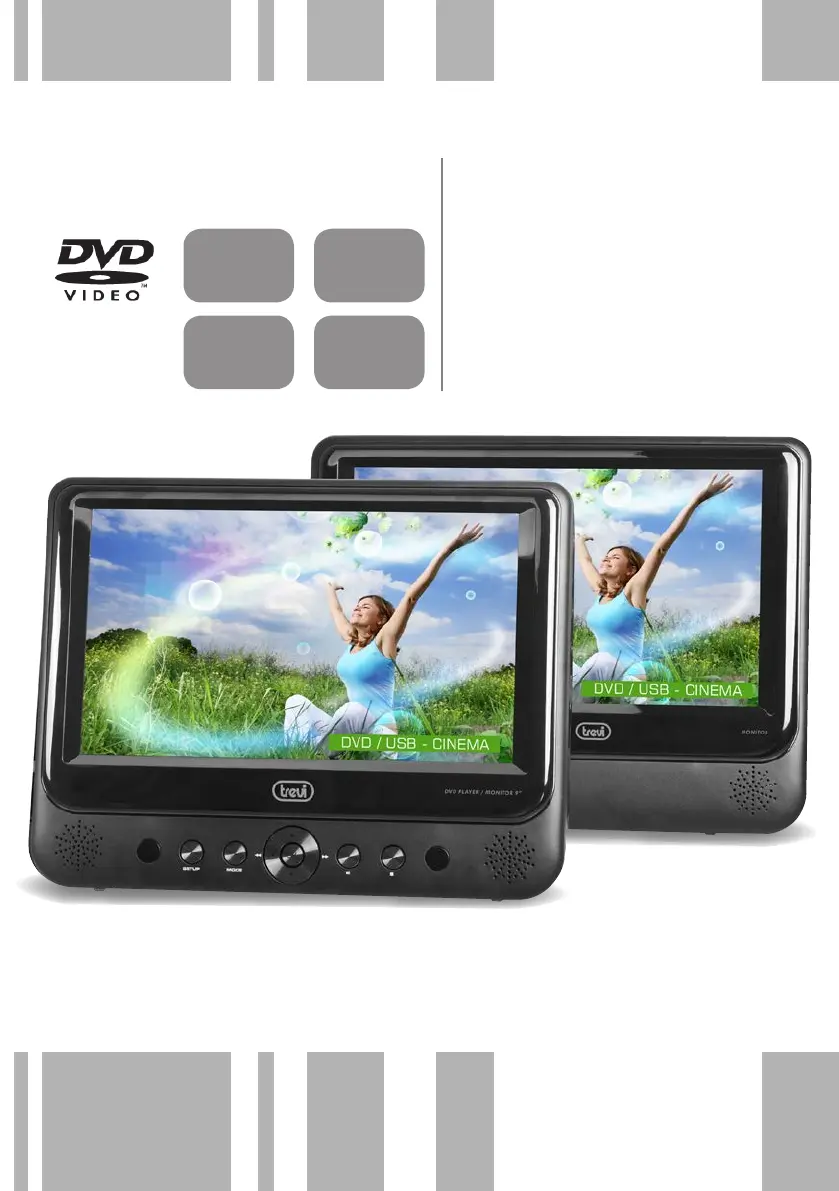
TW 7005
SISTEMA VIDEO PORTATILE DVD/
USB/SD CON DOPPIO SCHERMO
LED 9”
Manuale d'uso e collegamento
PORTABLE DVD/USB/SD VIDEO SY-
STEM WITH TWIN 9” LED SCREEN
Instruction manual
TWIN MONITOR
USB
READER
SD CARD
READER
LITHIUM
BATTERY

Questions and Answers

  • J
    joshua58Aug 10, 2025
    Why is there no sound or distorted sound on my Trevi DVD Player?
    • C
      courtneygarciaAug 10, 2025
      If you are experiencing no sound or distorted sound, ensure the device is properly connected and that all cables are securely inserted into the appropriate jacks.
  • S
    Shane SmithAug 15, 2025
    What to do if the picture is distorted on my Trevi DVD Player?
    • M
      Michael CervantesAug 15, 2025
      If the picture is distorted, the disc might be damaged. Try playing another disc. Note that some distortion is normal during forward or reverse scan.
  • L
    Luis NguyenAug 22, 2025
    Why can't I advance through a movie on my Trevi TW 7005?
    • E
      Elizabeth MortonAug 22, 2025
      You may not be able to advance through the opening credits and warning information at the beginning of movies because the disc is programmed to prohibit this action.
  • A
    Amanda DavidsonAug 28, 2025
    Why won't my Trevi TW 7005 DVD Player forward or reverse scan?
    • G
      Gary ReevesAug 28, 2025
      Some discs have sections that prohibit rapid scanning or chapter skipping. If you try to skip through the warning information and credits at the beginning of a movie, you probably won't be able to because this part of the movie is often programmed to prevent skipping.
  • J
    Joseph WallaceSep 3, 2025
    What to do if an icon appears on the screen of my Trevi TW 7005?
    • Y
      ymcdonaldSep 3, 2025
      An icon may appear on the screen because the feature or action cannot be completed at this time. This could be due to the disc's software restricting it, the disc's software not supporting the feature (e.g., angles), the feature not being available at the moment, or requesting a title or chapter number that is out of range.

Trevi TW 7005 Specifications

General IconGeneral
Supported Disc FormatsDVD, CD, VCD, SVCD
Video OutputComposite Video
Audio OutputStereo
Power Supply220-240V AC, 50Hz
ConnectivityComposite video output, Audio output

Related product manuals