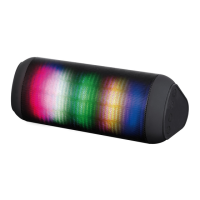
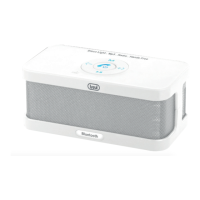
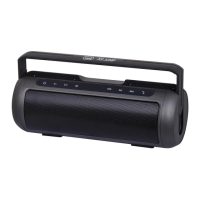
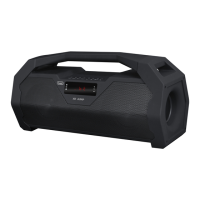
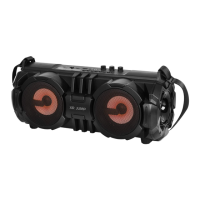
XR 84 PLUS
English
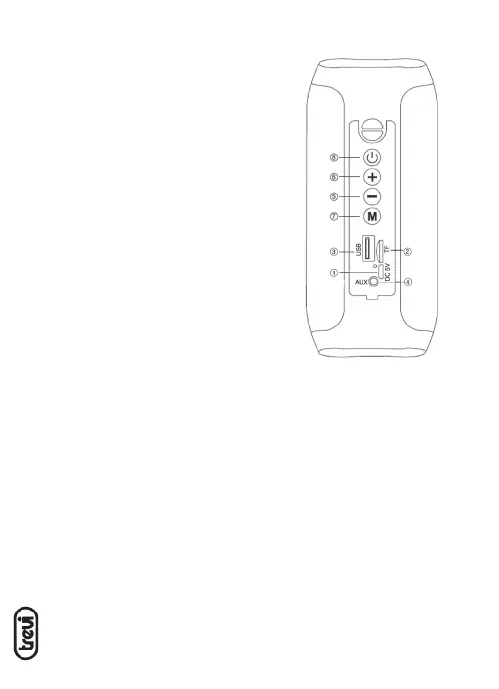
1. Micro USB socket for charging with LED
indicator:
Red: on during charging, yes
turn off when charging is completed.
2. MicroSD memory input
3. USB input
4. AUX IN input
5. Volume- / Previous Track button
6. Volume + / Next track button
7. MODE button
8. Power On/Off / Play / Pause button
CHARGING
The speaker must be recharged when switched off.
1. Using the supplied USB cable, connect the side with the Micro USB jack to the micro-USB
jack (1) and the other end to the USB port of a PC or USB charger (5V, 1A not
included).
2. Led indicator will light up red to indicate the charging status, after charging it will off.
Note: when the battery is low the voice message will play “Battery is low, recharge” a few
times before the device switches off automatically.
BASIC OPERATION
To turn on the speaker, long push on power button(8).
Press the MODE button (7) to choose from:
- Bluetooth mode.
- Micro SD mode, if present a micro SD type memory in the slot (2) it will start playback of
the music automatically.
CONTROLS



 To Next Page