EasyManua.ls Logo

TRI TRV A88SE - User Manual

TRI TRV A88SE
8 pages
Print Icon
To Next Page IconTo Next Page
Loading...
Tri
®
TRV A88SE
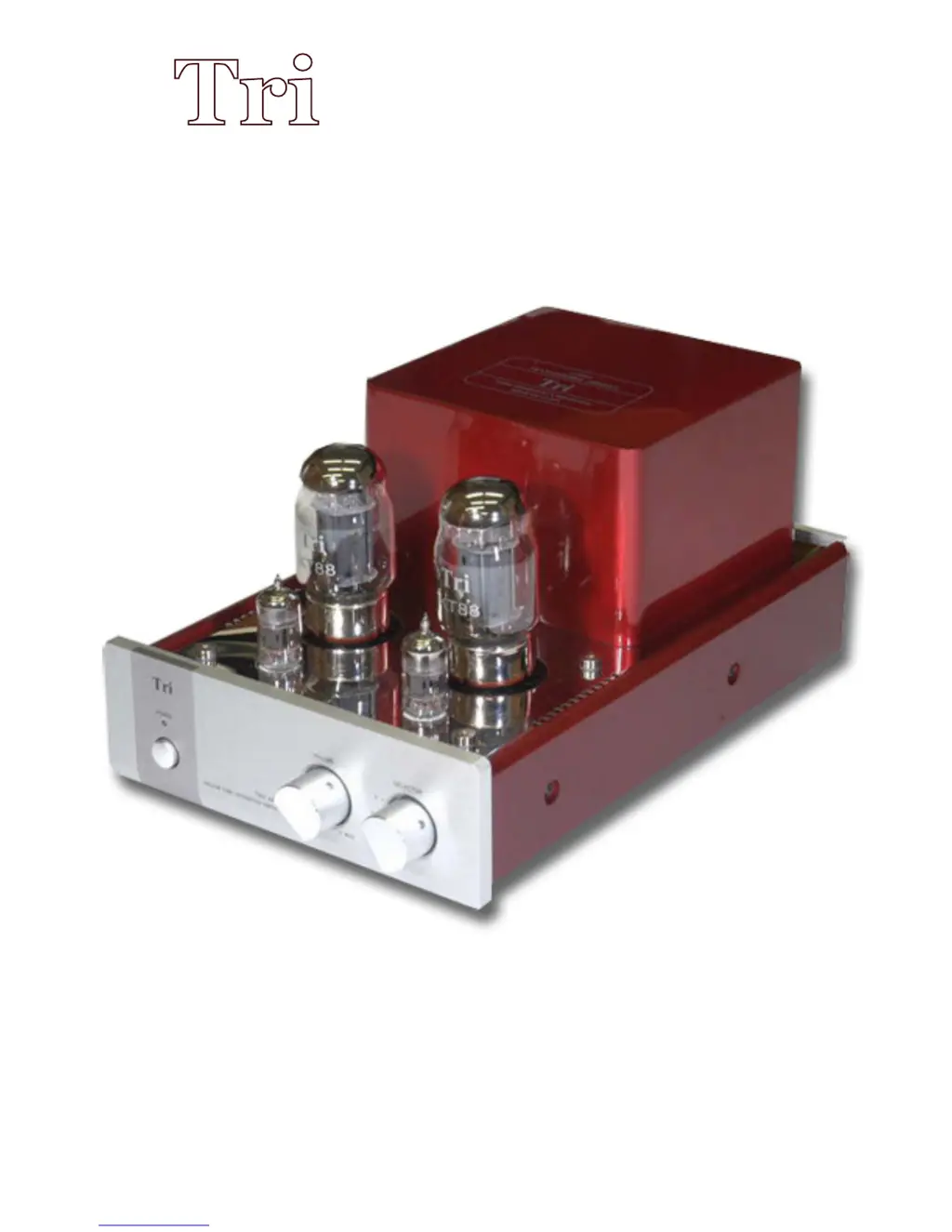
KT88 SINGLE ENDED INTEGRATED AMPLIFIERS

Questions and Answers

  • J
    joseph76Aug 2, 2025
    What to do if my TRI TRV A88SE has no sound?
    • J
      jessica91Aug 3, 2025
      If your TRI Amplifier isn't producing any sound, there are several things to check: * Ensure the volume isn't set to the minimum; try turning it up. * Verify the Source Selector settings are correct. * Confirm that the speaker cables are properly connected. * Make sure the correct input is selected.
  • H
    Helen FisherAug 10, 2025
    What to do if the noise is overloud on my TRI TRV A88SE Amplifier?
    • M
      Michael FosterAug 11, 2025
      If the noise level from your TRI Amplifier is excessively loud: * Consider replacing the signal cables with properly shielded ones. * Ensure the signal cable, power supply cord, and video frequency cable are separated and not tangled. Keep the signal cable away from the others.
  • J
    jeffrey02Aug 17, 2025
    How to correct the music location on my TRI TRV A88SE?
    • L
      Lisa AdamsAug 17, 2025
      If the music location is incorrect on your TRI Amplifier, the L and R inputs or outputs may be inverted, or the positive and negative speaker terminals may be inverted. Remove and reconnect cables and terminals accordingly.
  • S
    Sheila BrowningAug 25, 2025
    Why does my TRI Amplifier have no power when I press the power button?
    • T
      Taylor SheltonAug 26, 2025
      If your TRI Amplifier doesn't power on when you press the power button, check the following: * Ensure the power cords are securely plugged into the power source. * Inspect the fuse; if it's broken or damaged, replace it with a new one of the same type.

Summary

Device Diagrams

TRV-A88 Front Panel Diagram

Diagram of the TRV-A88 front panel showing controls like power, volume, and input selector.

TRV-A88 Back Panel Diagram

Diagram illustrating the rear panel inputs, outputs, and power socket with fuse details.

General Operation Notes

Technical Specifications

Package Contents and Unpacking

Connecting Your Amplifier

Amplifier Operation

Important Safety Precautions

Product Warranty Details

Troubleshooting Common Issues

Visual Product Overview

Perspective View

Frontal view of the amplifier showcasing its aesthetic design and physical layout.

Internal Wiring

Internal view of the amplifier's circuitry and component layout.

Back Panel View

Rear view of the amplifier detailing all input and output connectors.

Official Distributor Contact

TRI TRV A88SE Specifications

General IconGeneral
TypeIntegrated Amplifier
Input Impedance100kΩ
Output Impedance4Ω, 8Ω
Signal-to-Noise Ratio90dB
Tubes12AU7 x 2
Frequency Response10Hz-50kHz
Total Harmonic Distortion1% (1kHz)