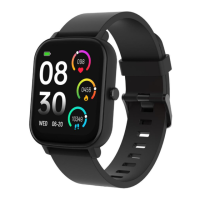
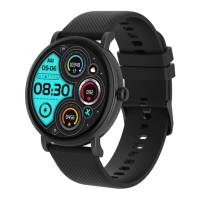
4.14 Settings
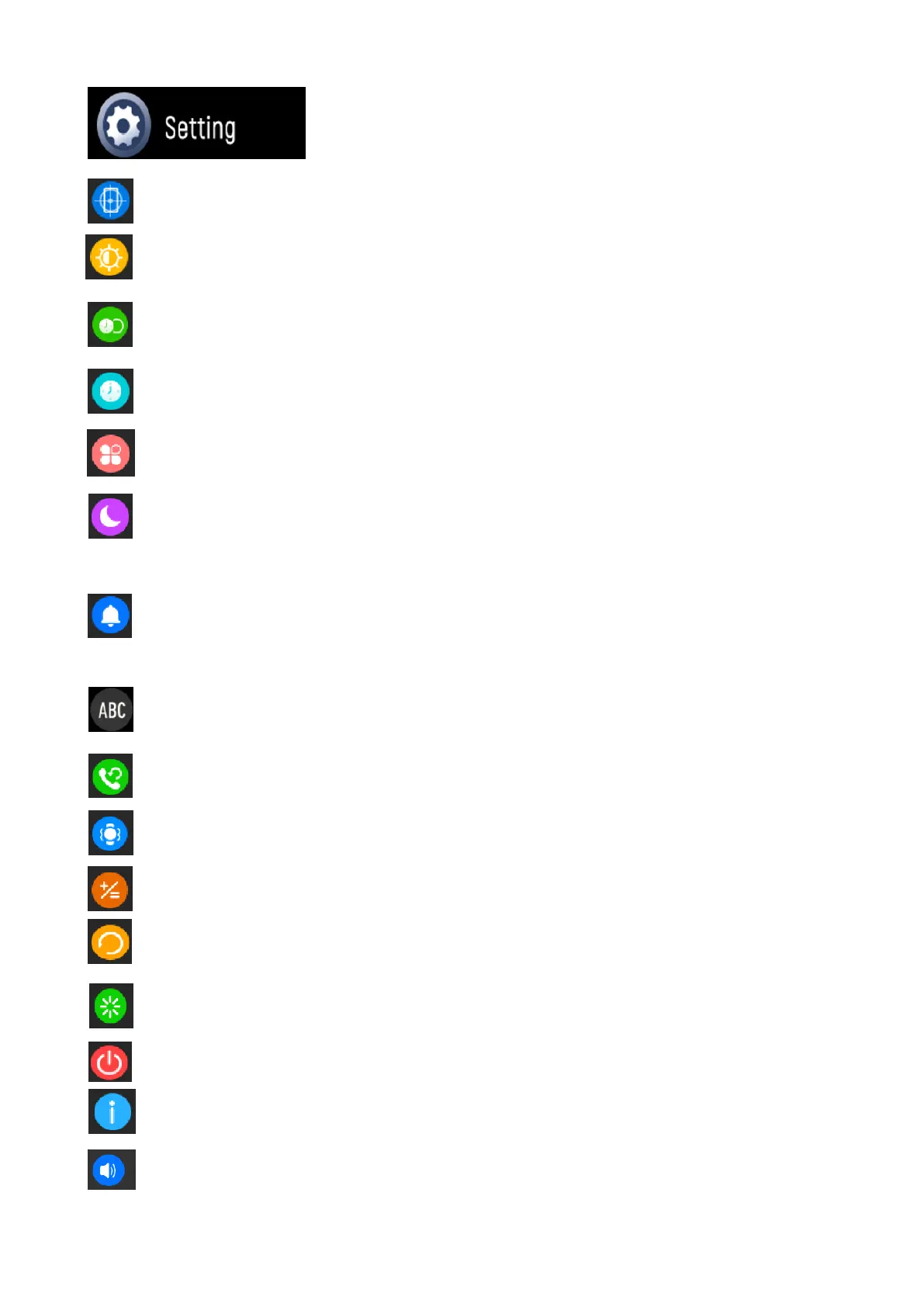
Find phone: tap to ring and find your smartphone.
Screen brightness: tap the brightness icon to adjust (+/-) the
screen brightness.
Display time: choose different display duration time, from
the longest of 200s to the shortest of 5s.
Watch face: choose different clockface you like.
Menu view: choose different menu style.
Do not disturb: When this mode is enabled, the watch will
not receive any notifications and vibration alerts, only the
alarm clock will alert.
Notifications: Switch on Notification Banner, tap ‘Top’ or
‘Bottom’. Message sent to your social media will pop up on
the top or bottom of the watch screen.
Language: choose 5 different languages on the watch.
Call reset, click OK to clear contacts and call history.
Vibration adjustment: adjust the vibration intensity.
Watch calculator.
Reset the device: After clicking Reset, all data on the watch
will be cleared.
Restart your Smartwatch.
Turn Off.
System: tap to find the MAC address, BT name, etc.
10
Audio setup: Active the audio setting of Call, Media or Ring
Tone.


 To Next Page
 Loading...