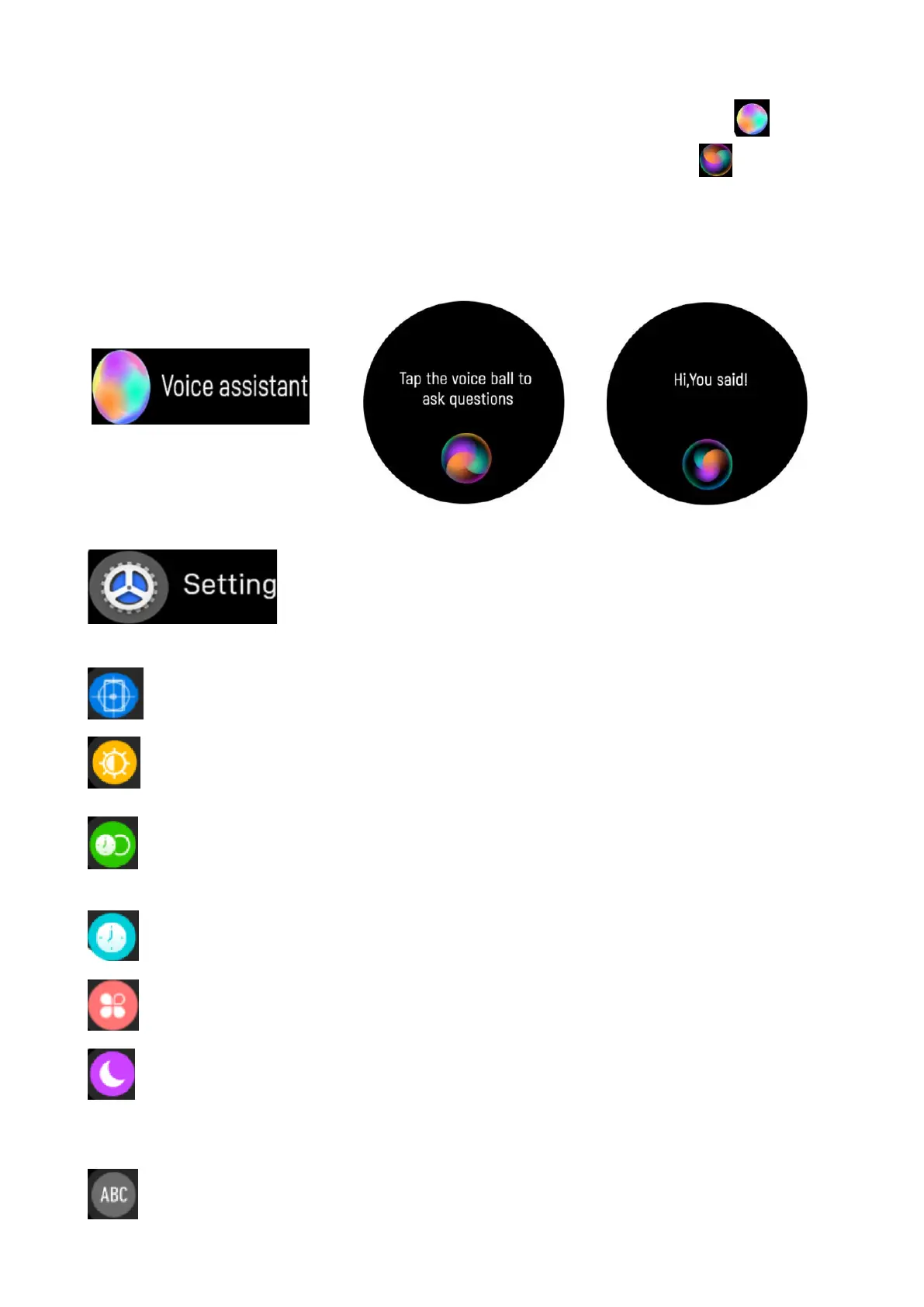
5.14 Voice Assistant
When the watch is connected with the App, tap this icon to
access to the Voice Assistant. Click the Voice ball icon to wake
up the Voice Assistant of the phone. For example: You say to
your watch, ‘hey Siri, how’s weather’; then the weather interface
will display on your phone.
5.15 Settings
Find phone: tap to ring and find your smartphone.
Screen brightness: tap the brightness icon to adjust the
screen brightness.
Display time: choose different display duration time, from
the longest of 200s to the shortest of 6s.
Watch face: choose different clockfaces as you like.
Menu view: choose different menu style.
Do not disturb mode: When this mode is enabled, the watch
will disconnect the Bluetooth connection and only record
steps, heart rate and blood oxygen.
Language: choose 5 different languages on the watch.
10


 To Next Page