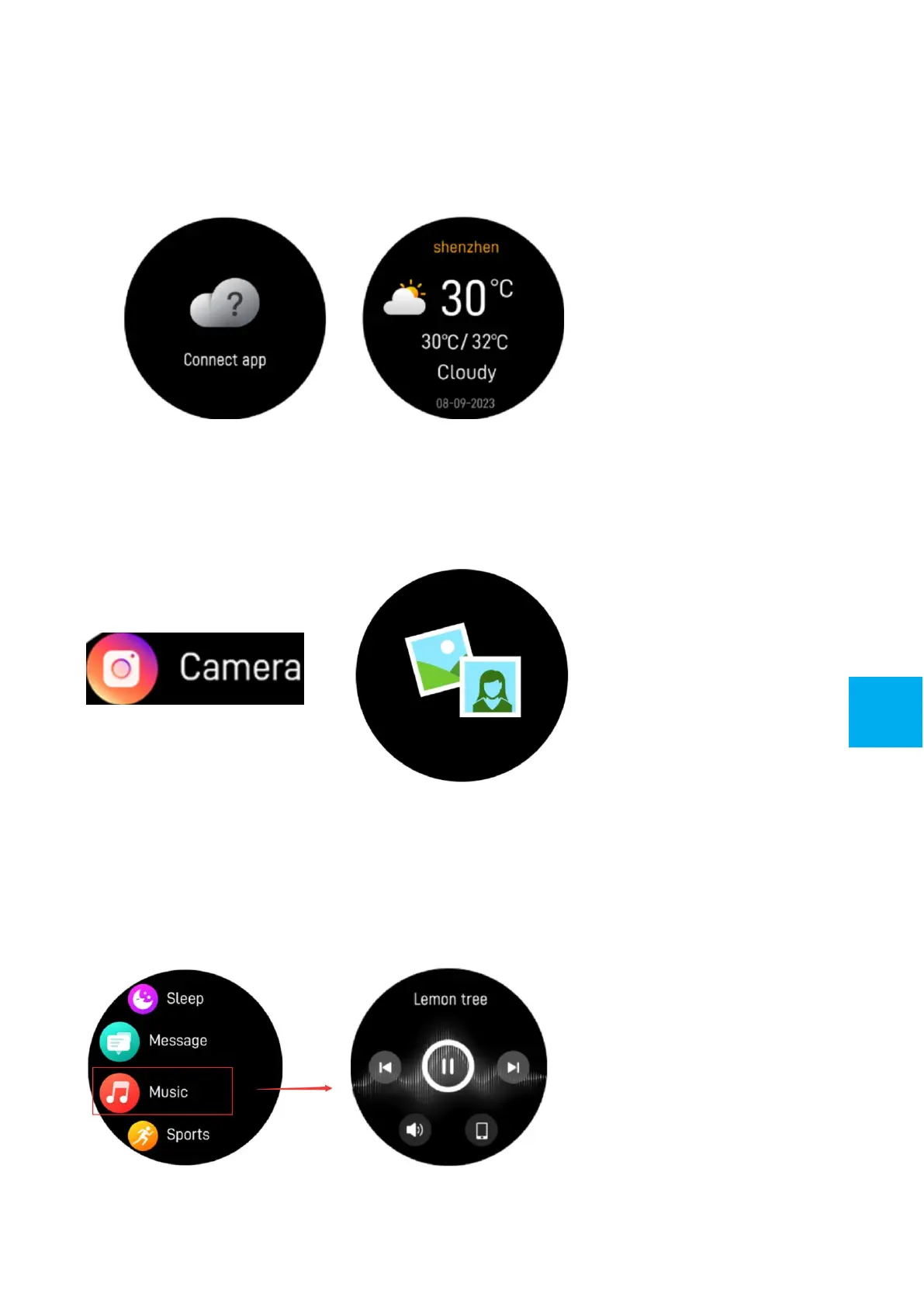
5.11 Weather
If you’ve connected your smart watch with TRIACLE LIFE App via
Bluetooth, the smart watch will display the weather forecast. You
can manually set the city or automatically set a city on the App.
5.12 Shutter
To use this feature, enable the camera of your smartphone, tap
this icon on your watch to remotely capture a picture on your
smartphone.
5.13 Music control
Tap the music icon to enter the music playback control interface.
You can select the previous/next song, and play/pause music. To
exit music playback control, slide the screen from left to right.
9
GB


 To Next Page