C
C
C
H
H
H
A
A
A
N
N
N
M
M
M
e
e
e
n
n
n
u
u
u
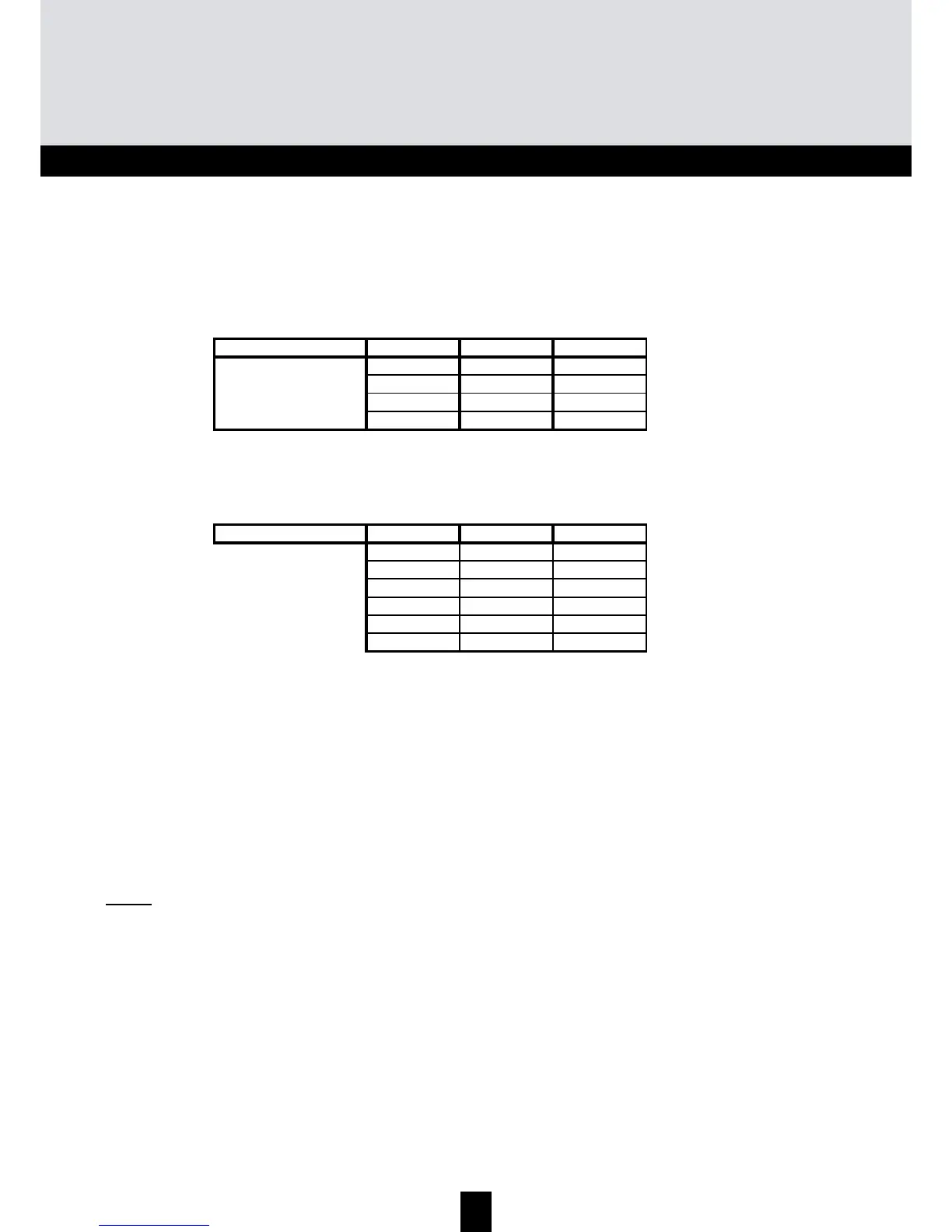
TMB units have 6 or 10 configurable UHF filters. The UHF filters are distributed over the three
inputs UHF1, UHF2, UHF3 as shown below.
TMB 10A
Input UHF1 UHF2 UHF3
42-
33-
15-
-6-
Number of filters per
UHF input
TMB 10B, C & S
Input UHF1 UHF2 UHF3
352
172
-82
3-7
1-9
- - 10
Number of filters per
UHF input
Each UHF filter can be configured for a bandwidth of 8 to 56 MHz (1 to 7 channels).
D
D
D
i
i
i
s
s
s
t
t
t
r
r
r
i
i
i
b
b
b
u
u
u
t
t
t
i
i
i
o
o
o
n
n
n
o
o
o
f
f
f
U
U
U
H
H
H
F
F
F
f
f
f
i
i
i
l
l
l
t
t
t
e
e
e
r
r
r
s
s
s
Go to the menu IN by placing the light segment under the IN mark and press enter.
• Press enter again to change the configuration of the UHF inputs (part of the display flashes)
• Press the buttons + or - to select the distribution of the filters over the UHF inputs.
Notes:
Each UHF filter can be deactivated. Just configure the filter in question to the value – in the "CHAN"
menu.


 To Next Page
 Loading...