EN
Bluetooth Connection Instructions
• Connect the earbuds to a Bluetooth device
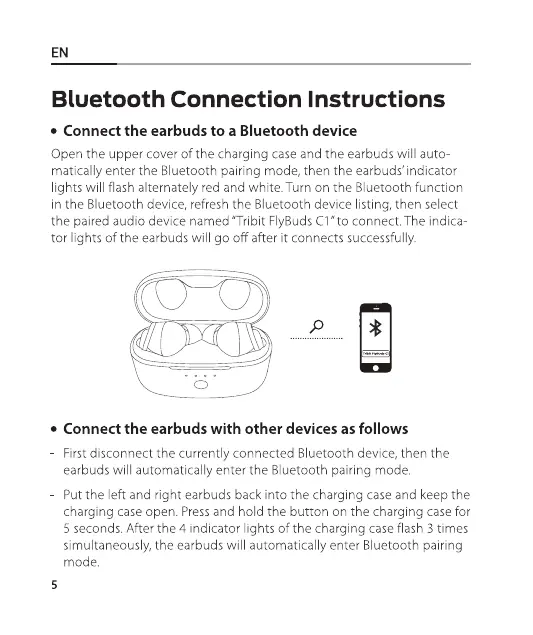
Open the upper cover ofthe charging case and the earbuds will auto-
matically enter the Bluetooth pairing mode, then the earbuds' indicator
lights will flash alternately red and white. Turn on the Bluetooth function
in the Bluetooth device, refresh the Bluetooth device listing, then select
the paired audio device named "Tribit FlyBuds Cl " to connect. The indica
tor lights of the earbuds will go off after it connects successfully.
• Connect the earbuds with other devices as follows
First disconnect the currently connected Bluetooth device, then the
earbuds will automatically enter the Bluetooth pairing mode.
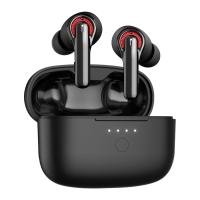
Put the left and right earbuds back into the charging case and keep the
charging case open. Pressand hold the button on the charging case for
5 seconds. After the 4 indicator lights of the charging case flash 3 times
simultaneously, the earbuds will automatically enter Bluetooth pairing
mode.
5


 To Next Page