EN
Earbuds Indicator Lights Key
Charging State: T
he white light will stay on
Bluetooth Device Pairing: Theredand white lights flash slowly
Successful Connection:
The indicator lights are off
Low Battery : The redlight flashesslowly
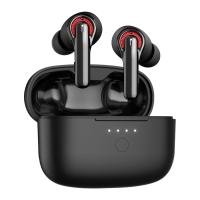
Patterns of Charging Case's
Indicator Lights
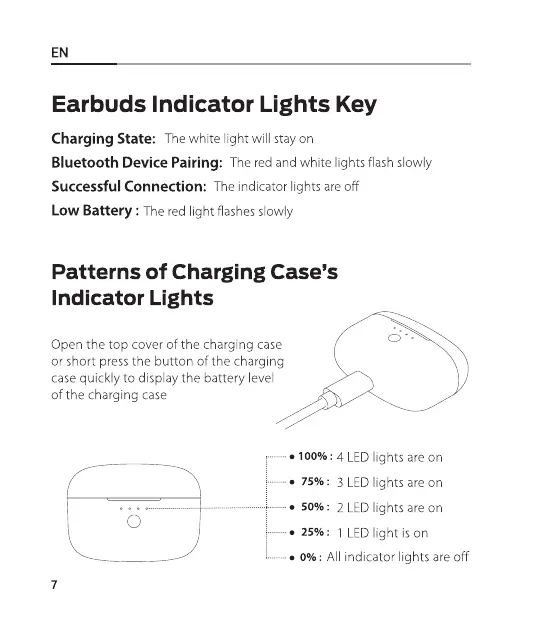
Open the top cover of the charging case
or short press the button of the charging
case quickly to display the battery level
of the charging case
• 100%: 4 LED lights are on
• 75%: 3 LED lights are on
50%: 2 LED lights are on
o
• 25%: LEDlight is on
• 0%: All indicator lights are off
7


 To Next Page