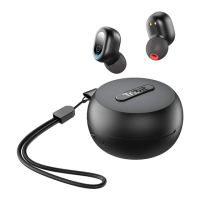
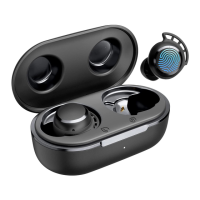
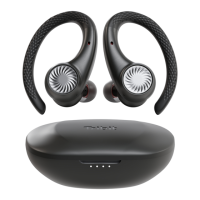
EN
3
EN
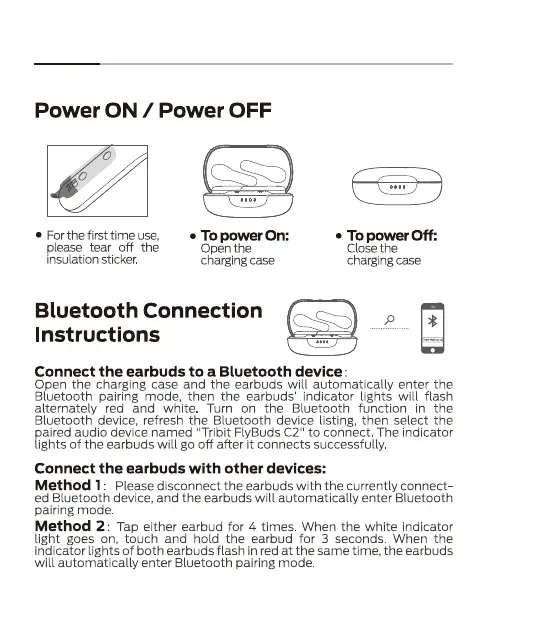
Power ON / Power OFF
• For the first time use,
please tear off the
insulation sticker
• To power On:
Open the
charging case
• To power Off:
Close the
charging case
Bluetooth Connection
Instructions
Connect the earbuds to a Bluetooth device
Open the charging case and the earbuds will automatically enter the
Bluetooth pairing mode, then the earbuds' indicator lights will flash
alternately red and white Turn on the Bluetooth function in the
Bluetooth device, refresh the Bluetooth device listing, then select the
paired audio device named "Tribit FlyBuds C?' to connect The indicator
lights Of the earbuds will go Off after it connects successfully
Connect the earbuds with other devices:
Method 1
Please disconnect the earbuds with the currently connect-
ed Bluetooth device, and the earbuds will automatically enter Bluetooth
pairing mode
Method 2
: Tap either earbud for 4 times When the white indicator
light goes on, touch and hold the earbud for 3 seconds. When the
indicator lights Of both earbuds flash in red at the same time, the earbuds
will automatically enter Bluetooth pairing mode
3


 To Next Page