EN
5
EN
Charging Instructions
When the earbuds' indicator lights flashes in red slowly,
please charge the earbuds in time.
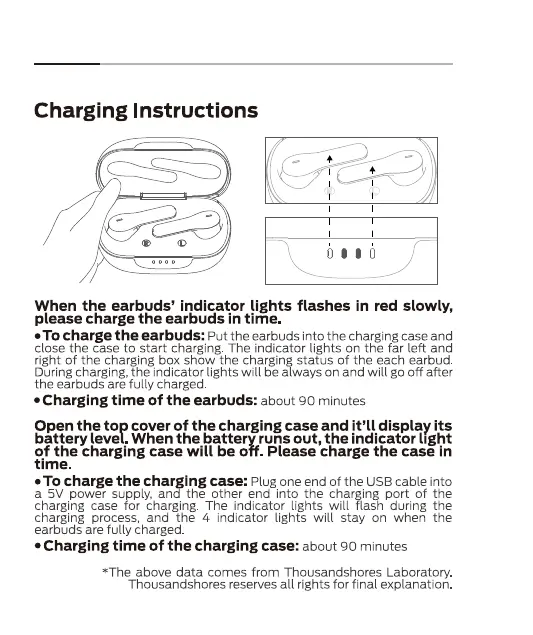
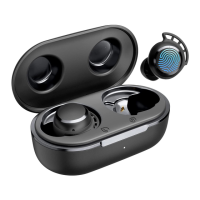
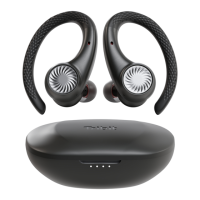
• TOcharge the earbuds: Put the earbudsinto the chargingcaseand
close the case to start charging. The indicator lights on the far left and
right of the charging box show the charging status of the each earbud
During charging, the indicator lights will be always on and will go off after
the earbuds are fully charged.
• Charging time of the earbuds:
about 90 minutes
Open the top cover of the charging case and it'll display its
battery level. When the battery runs out, the indicator light
of the charging case will be off. Please charge the case in
time.
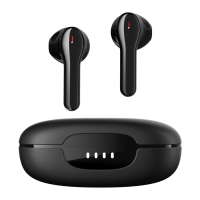
• To charge the charging case: Plug oneend of the USBcable into
a 5V power supply, and the other end into the charging port of the
charging case for charging. The indicator lights will flash during the
charging process, and the 4 indicator lights will stay on when the
earbuds are fully charged.
• Charging time of the charging case:
about 90 minutes
5
*The above data comes from Thousandshores Laboratory
Thousandshores reserves all rights for final explanation


 To Next Page