3 4
EN EN
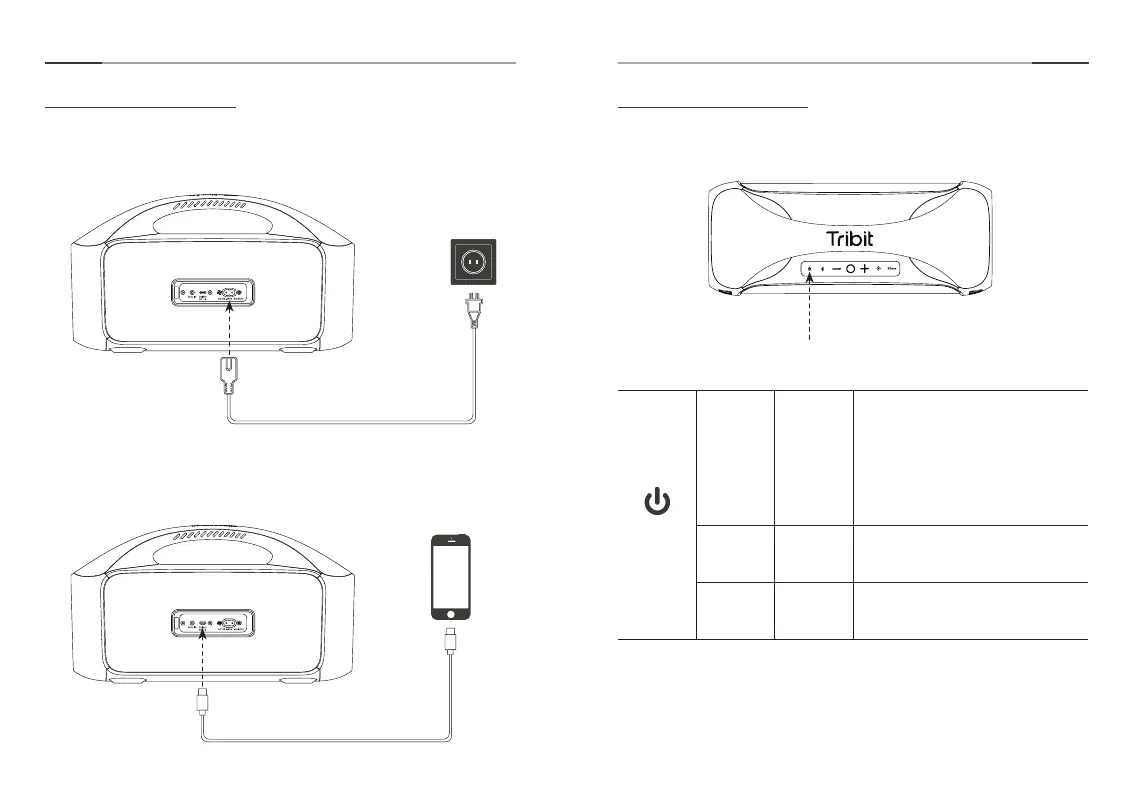
How to Charge
1. How to charge the speaker:
Connect the speaker with one end of the provided power cord, and
plug the other end into a power outlet.
Button Control
1. Power ON/OFF
2. How to charge other devices through the speaker:
Connect the speaker and other devices with the USB-C charging
cable.
Short Press Turn ON
The white light of the power indicator
light is always on.
In the low power state, the red light
of the power indicator light flashes.
In the charging state, the red light of
the power indicator light is always on;
after full charge, the red light of the
power indicator light is off.
Short Press Turn OFF All lights are off.
Long Press
for 8s
Forced
Shutdown
All lights are off.
Ӫ
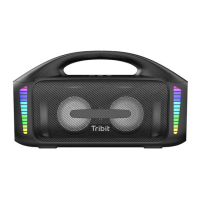
When the StormBox Blast cannot work normally due to unknown
reasons, long press the power button for 8S to achieve forced
shutdown and then restart the StormBox Blast.
Power Cable
USB-C charging cable
Power Button


 To Next Page