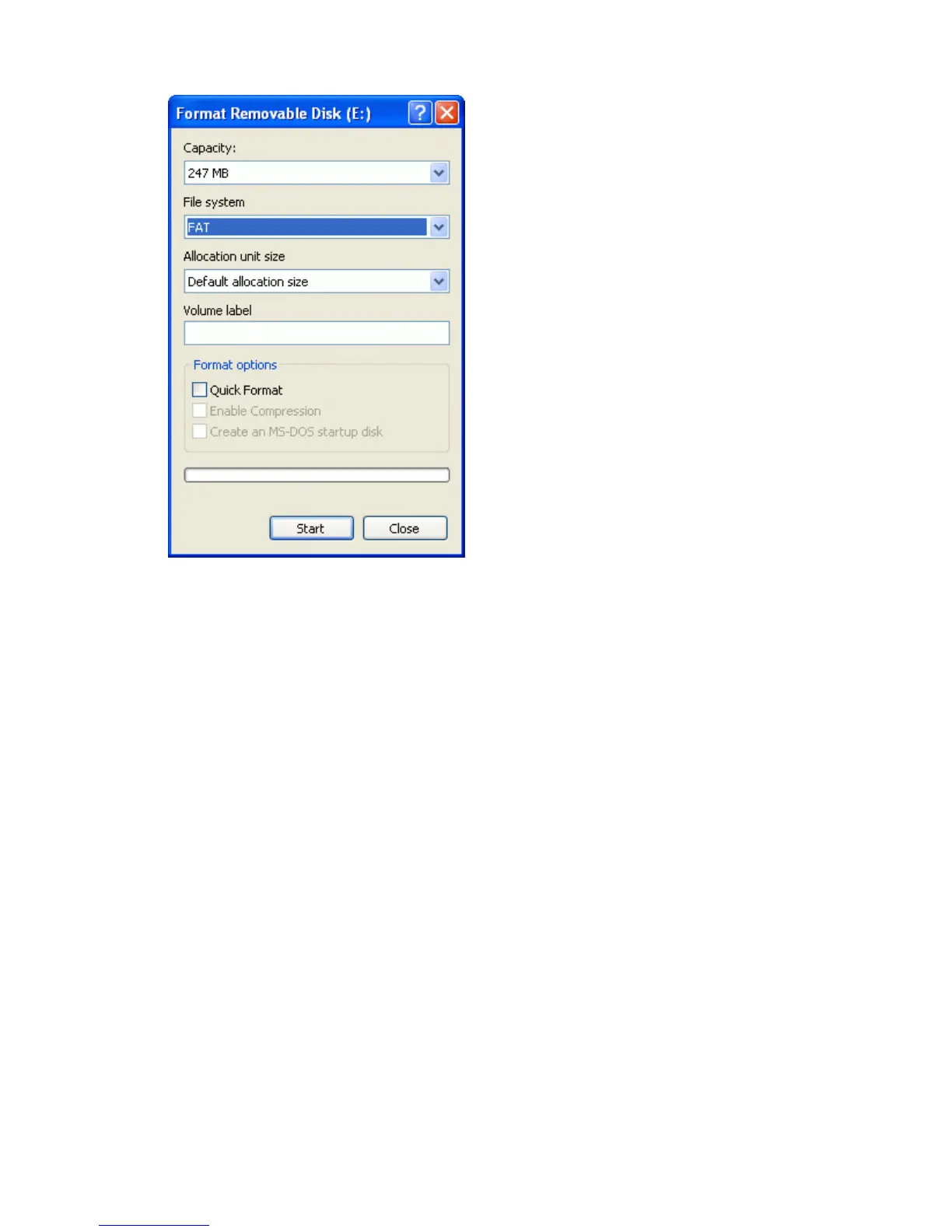
In the File system list, select FAT and then click Start.4.
The USB drive is formatted with the FAT file system.
Inserting a USB drive
You can connect a USB drive to the USB port on the back of the lightbar:
Ensure that the lightbar is turned off.1.
Insert the USB drive into the USB port.2.
Turn on the lightbar.3.
Note: To reduce any delay caused by the lightbar scanning the USB drive, keep the number of fields on the USB
drive to a minimum.
Removing a USB drive
Caution − If you remove a USB drive from the lightbar while the lightbar is turned on, you risk corrupting the
data. To avoid this, do the following:
Turn off the lightbar.1.
Remove the USB drive from the USB port.2.
Getting Data from the USB Drive
You can get data from a USB drive:
63



 To Next Page