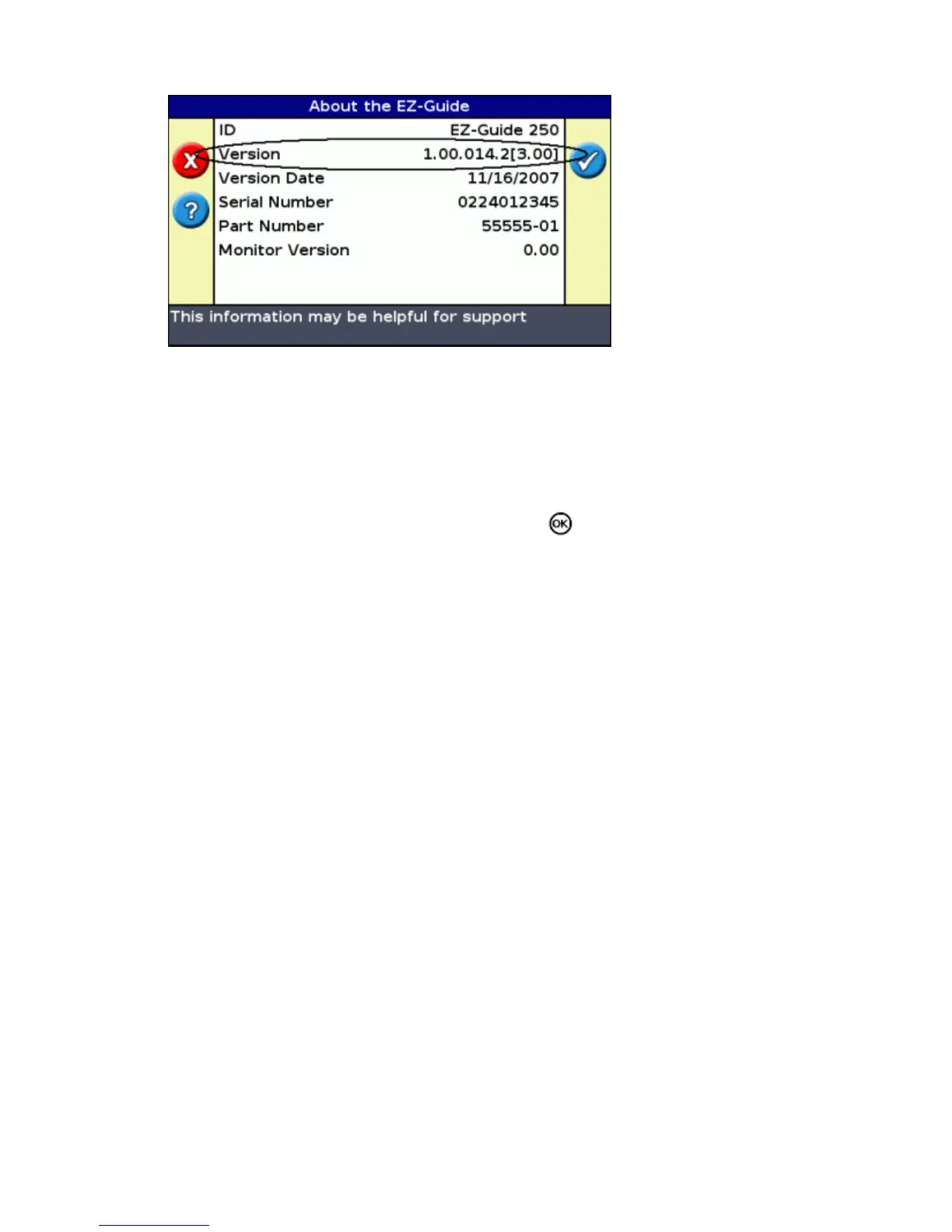
To upgrade the lightbar firmware:
Download the self−extracting firmware file from www.EZ−Guide.com to your office computer.1.
Run the file and extract the contents to a temporary directory.2.
Copy the files from the temporary directory to the USB drive.3.
Insert the USB drive in the lightbar.4.
Turn on the lightbar. When the USB drive is detected, the lightbar runs the upgrade wizard.5.
Select the EZ−Guide firmware .img file and then press . The wizard installs the new firmware.6.
Caution: Do not turn the lightbar off while the firmware is being updated. This could render the lightbar
inoperable.
The lightbar restarts with the new firmware installed.
70



 To Next Page