Obtaining Information from the Lightbar
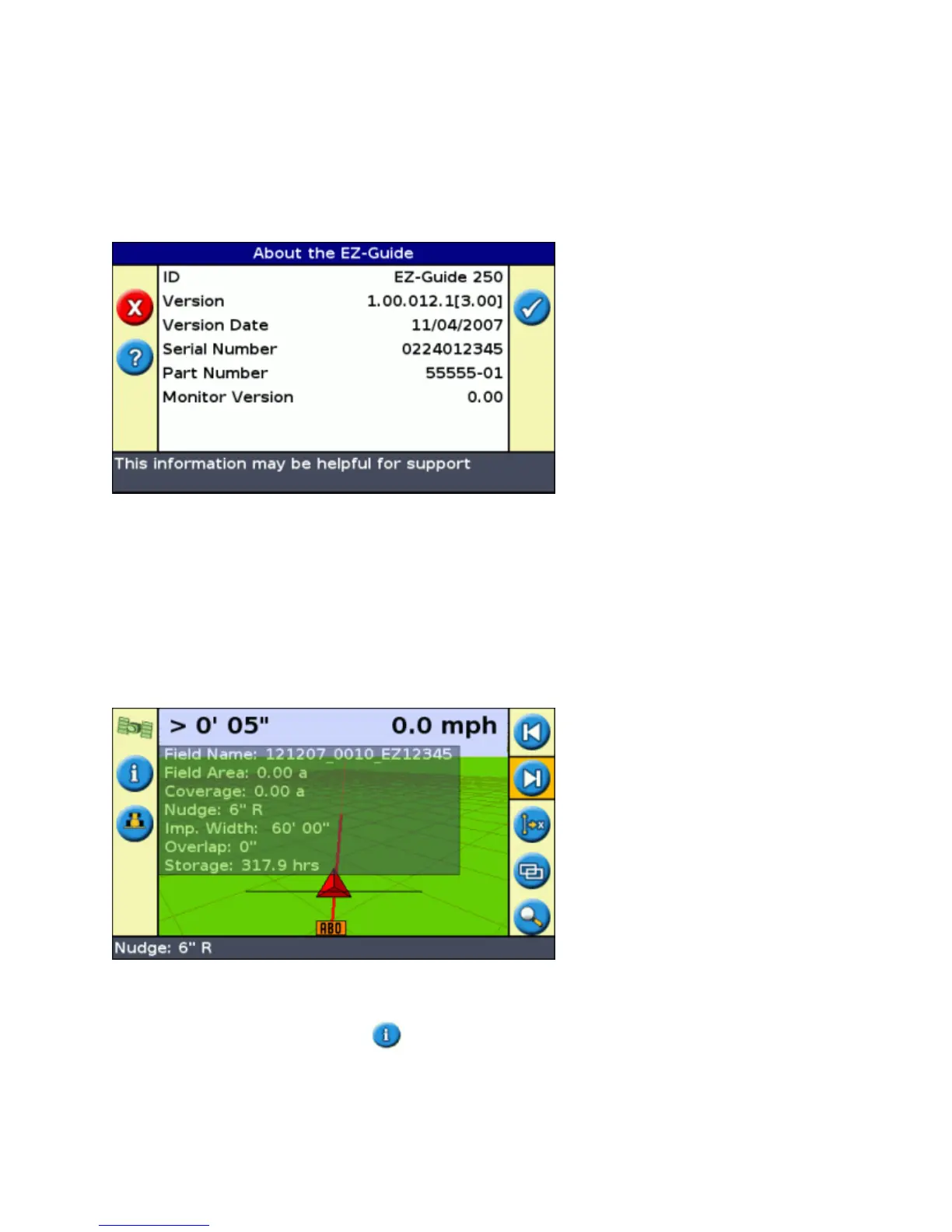
The About the EZ−Guide Screen
You can view the About the EZ−Guide screen in Easy or Advanced mode.
To view the About the EZ−Guide screen, select Configuration / About the EZ−Guide.
If you need to ask for support, have this information available.
Information Tabs
The lightbar has several information tabs that you can display over the screen. They can be viewed in Easy or
Advanced mode.
The tabs are see−through, so you can still see the vehicle underneath.
To view an information tab, press the function button. To cycle to the next tab, press the function button
again.
78



 To Next Page