7 Using the Camera
114 GeoExplorer 6000 Series User Guide
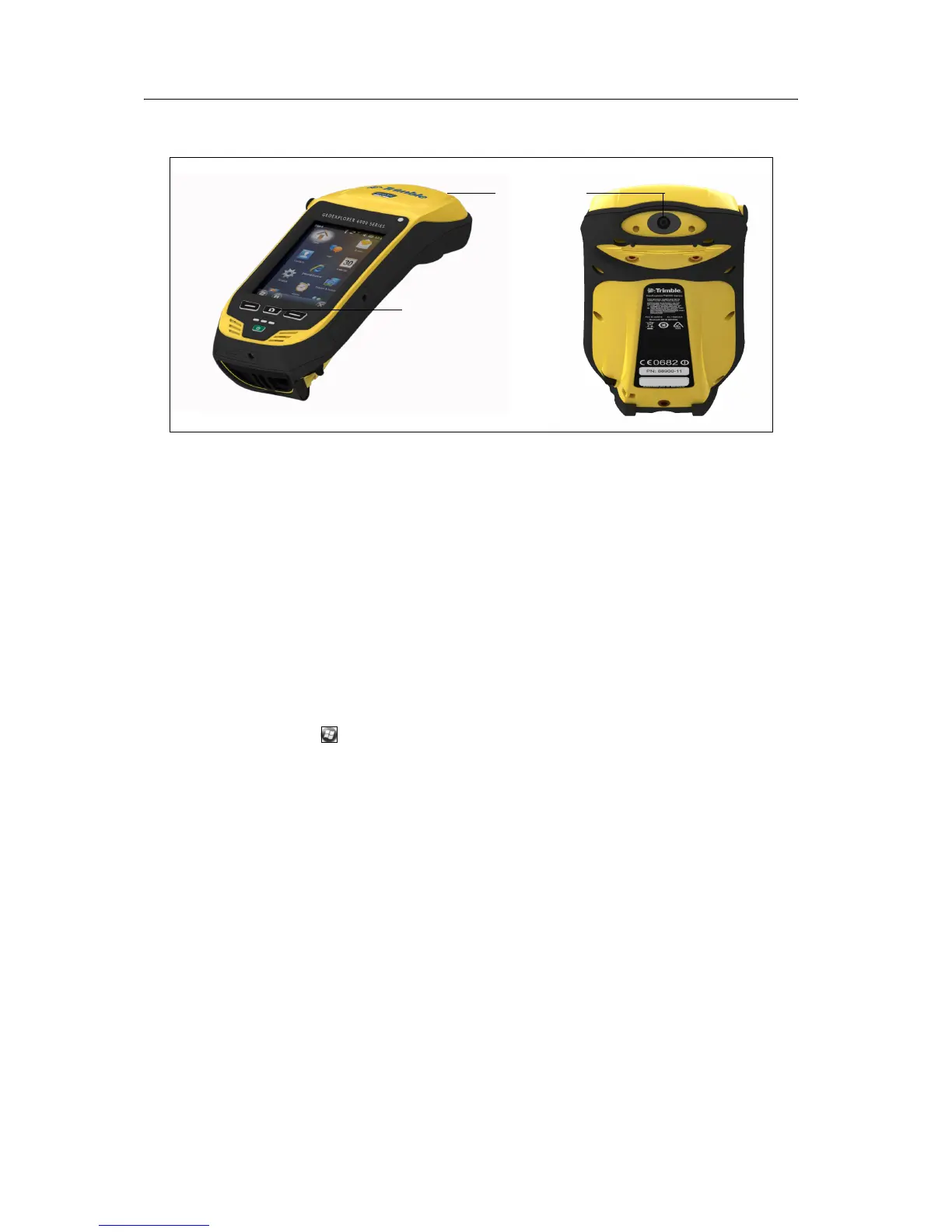
Parts of the camera
Figure 7.1 GeoExplorer 6000 series camera controls
Use the Camera button to:
• Start the camera application
• Lock focus (press and hold the button)
• Capture photos (release the button)
• Start and stop recording a video (in Video mode, press the button)
Starting the camera application and capturing photos or video
To start the camera, do one of the following:
1. Press the
Camera button in the center of the keypad.
2. Tap / Pictures & Videos / Camera.
When the camera application is started, it is by default in Still (photo) mode.
3. Do one of the following:
a. To capture a photo:
– Hold the handheld steady. Use the preview window to frame the subject in
the centre of the frame.
– To focus, press the Camera button down and hold. Focus and exposure are
set and locked while the camera button is held in this position.
– To capture the photo, release the Camera button and hold the camera
steady until the review photo is shown.
b. To capture a video:
– Tap the menu Menu button and then select Video.
Camera button
Camera Lens



 To Next Page