SOUTH DAKOTA TECHNICAL GUIDE NOTICE SD-325
SECTION I – REFERENCE LIST - TECHNICAL NOTES – TECHNOLOGY – PAGE 9 OF 12 OCTOBER 2011
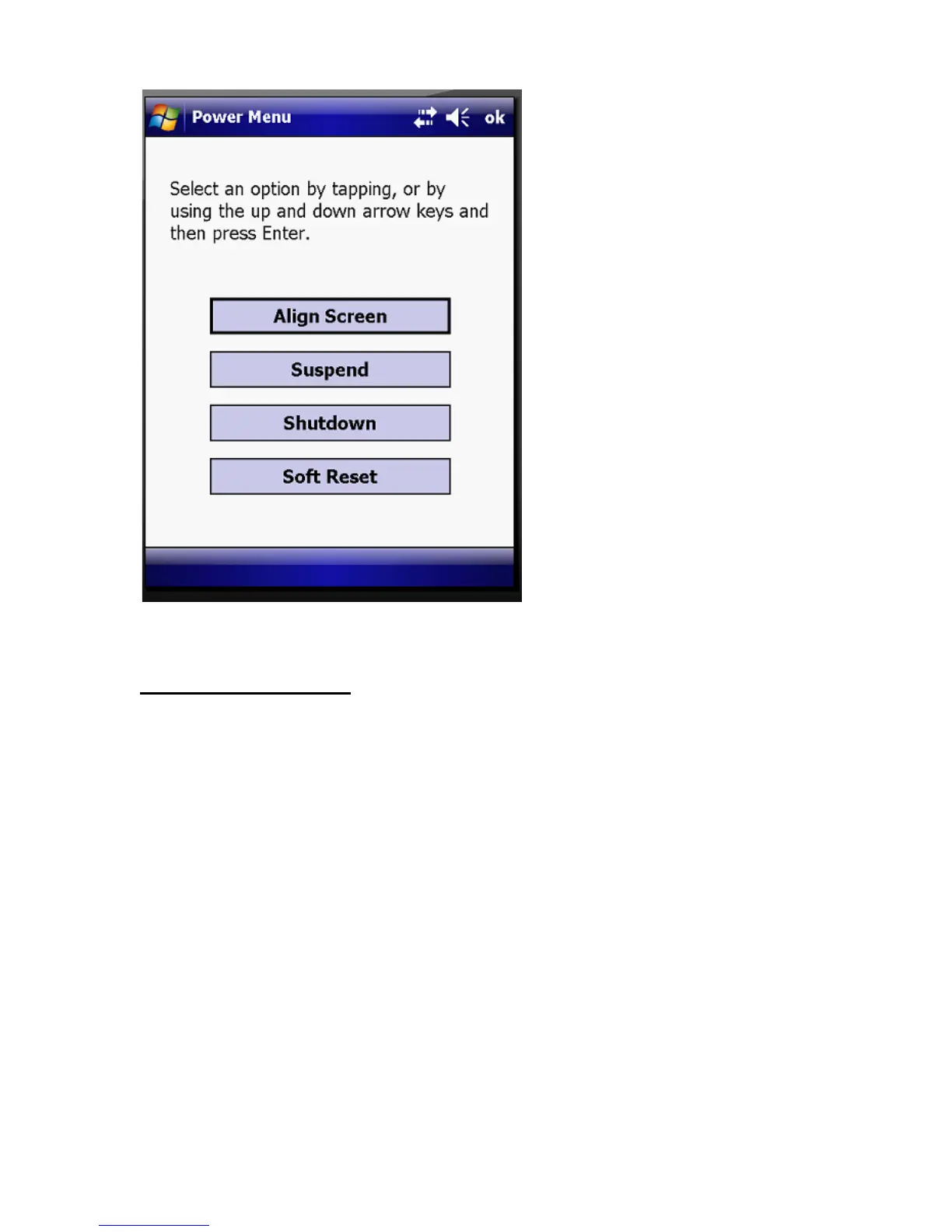
3. Tap on Shutdown to power the unit off.
ActiveSync Software
ActiveSync synchronizes information between the Trimble and the computer for
transferring data. You can use the Windows Explorer feature in either program to move
files from your computer to your device and back.
To activate ActiveSync:
1. Hook the USB data cable between the Trimble cradle and the computer.
2. Go to Programs – click on Microsoft Active Sync. The following screen should
appear:
*Note – For laptop users, the USB data cable between the cradle and computer must be
connected directly to the computer, not the docking station.



 To Next Page