7
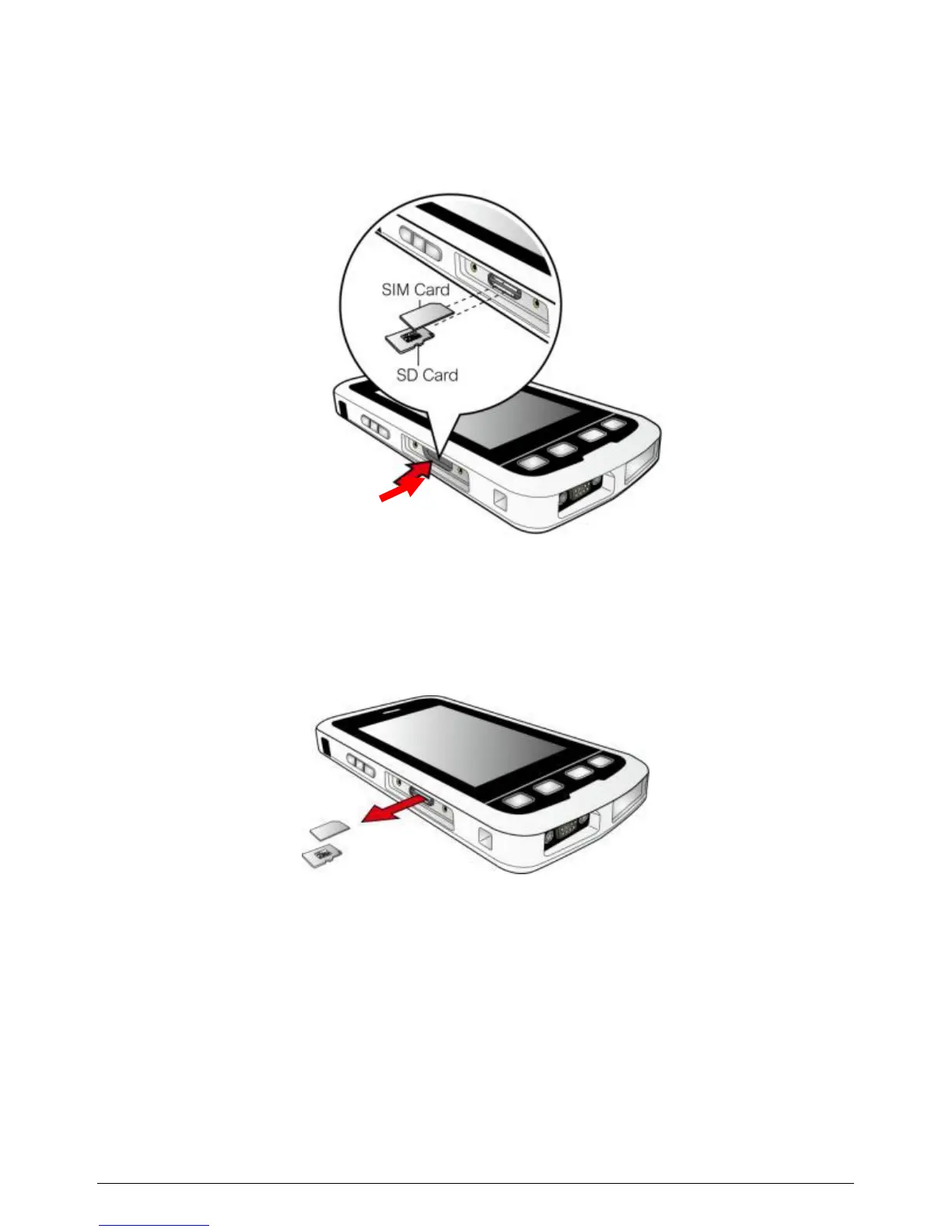
3. To remove a card, push the card to release from the slot.
NOTE: Make sure you have saved any data in open programs
before removing the storage card.
WARNING: Only remove a SIM card when the device is in Shutdown
mode, Absolute Power Off mode, Airplane mode or when the Phone
module is off.
4. Replace the cover and then secure it with the screws.



 To Next Page