12
Chapter 2 Operating Basics
2.1 Home screen
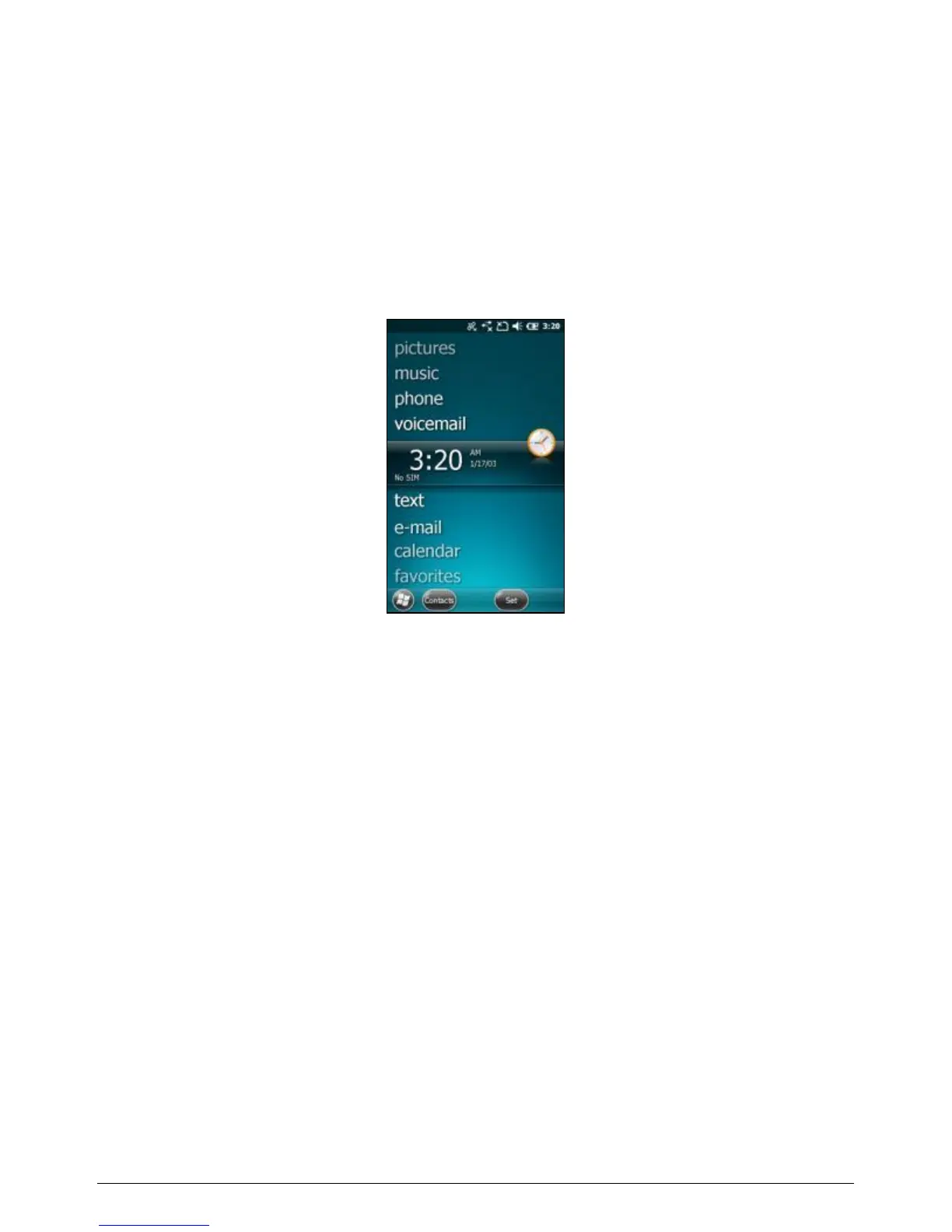
The Home Screen is an easy way to launch common activities, such as
using the phone, checking text messages or checking e-mail. You can view
high-level information at a glance, with notifications for Live services,
e-mail, voicemail, SMS/MMS and more.
To navigate the Home screen, touch and slide your fingertip up or down
on the screen; or drag the highlight bar to the desired item on the screen.
The programs provided on the Home screen include:
pictures: Select your photos from this menu.
music: Select your music from this menu.
phone: If your device has the phone feature, select this item to
use the phone.
voicemail: If your device has the phone feature, select this item
to access your voicemail.
time: Select your time zone, set the time and date and set
alarms.
text: If your device has the phone feature, select this item to
compose and read text messages.
e-mail: Select this item to read and compose e-mail.



 To Next Page