Juno T41
User Manual
38
3. Tap the Back icon( ) if you need to delete a number.
4. Tap Talk ( ) to begin the call.
TIP: When you tap a key on the on-screen keypad, a list of names and
numbers is displayed as your device searches Contacts, Call History, and
Speed Dial to find a matching name or number. The next key you tap
continues to narrow the search. When you see the name of the person
you want to call, tap it and tap Talk ( ).
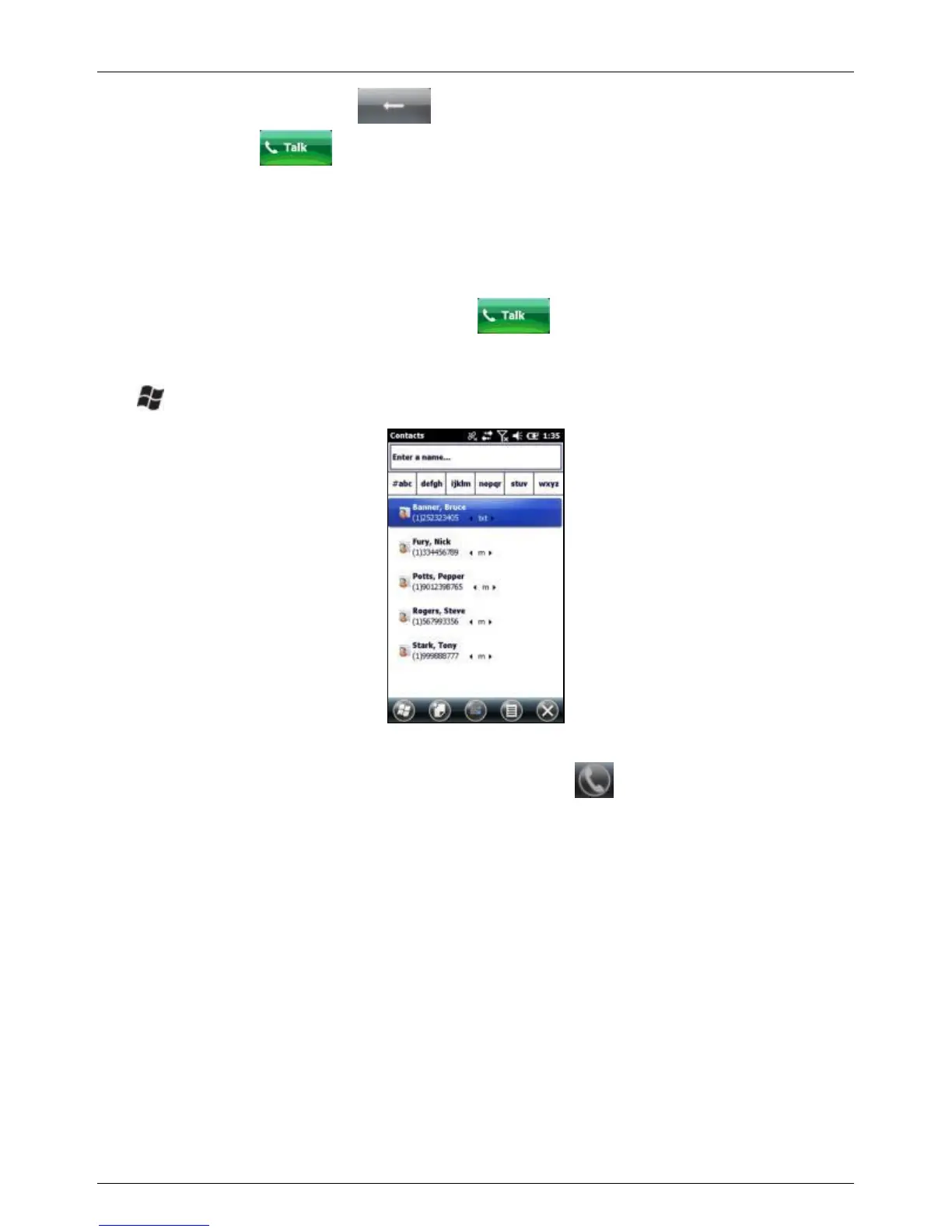
Making a call from Contacts
1. > Contacts.
2. Select the desired contact.
3. Select the number to call, and then tap .
Making a call from Call History
1. Open the Call History screen (from the phone screen).



 To Next Page