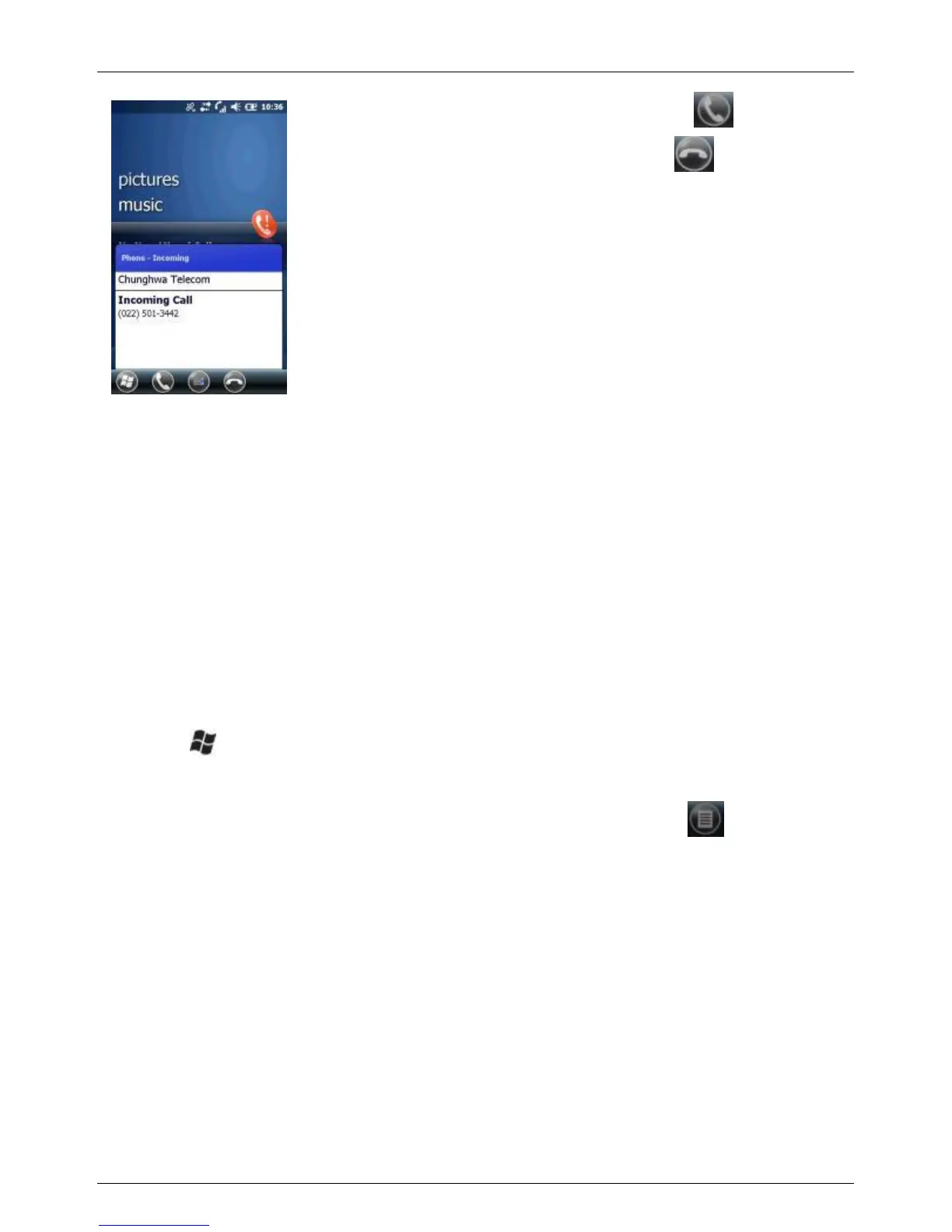
To answer the call, tap
To reject the call, tap
TIP: To adjust the in-call volume, press the VOLUME + / - button on
the left side of the device.
Ending a call
When a call is in progress, tap the End button to hang up.
5.3 Speed dial
You can create speed dial entries for frequently-called numbers so you can
dial a number by tapping a single key.
Using speed dial
1. Tap > Contacts.
2. Select a contact to view the contact details.
3. Select the desired phone number and tap Menu ( ) > Add to
Speed Dial.
4. Specify the Name, Number, and Location assignment of the
Speed Dial entry.
5. When done, tap OK.
NOTE: The first speed dial location is generally reserved for your
voicemail. Speed Dial uses the next available location by default.
If you want to place a number in a location that is already used,
the new number replaces the existing number.
6. If you have assigned a speed dial (for example, the number 2 key)
to a contact in Speed Dial, you can simply tap and hold the 2 key



 To Next Page