Juno T41
User Manual
67
- Aborted charge cycles and % capacity at termination
- Provide notification when the number of charge cycles reaches 90%
of the max
6.10 Barcode Scanning (For Scanner Version only)
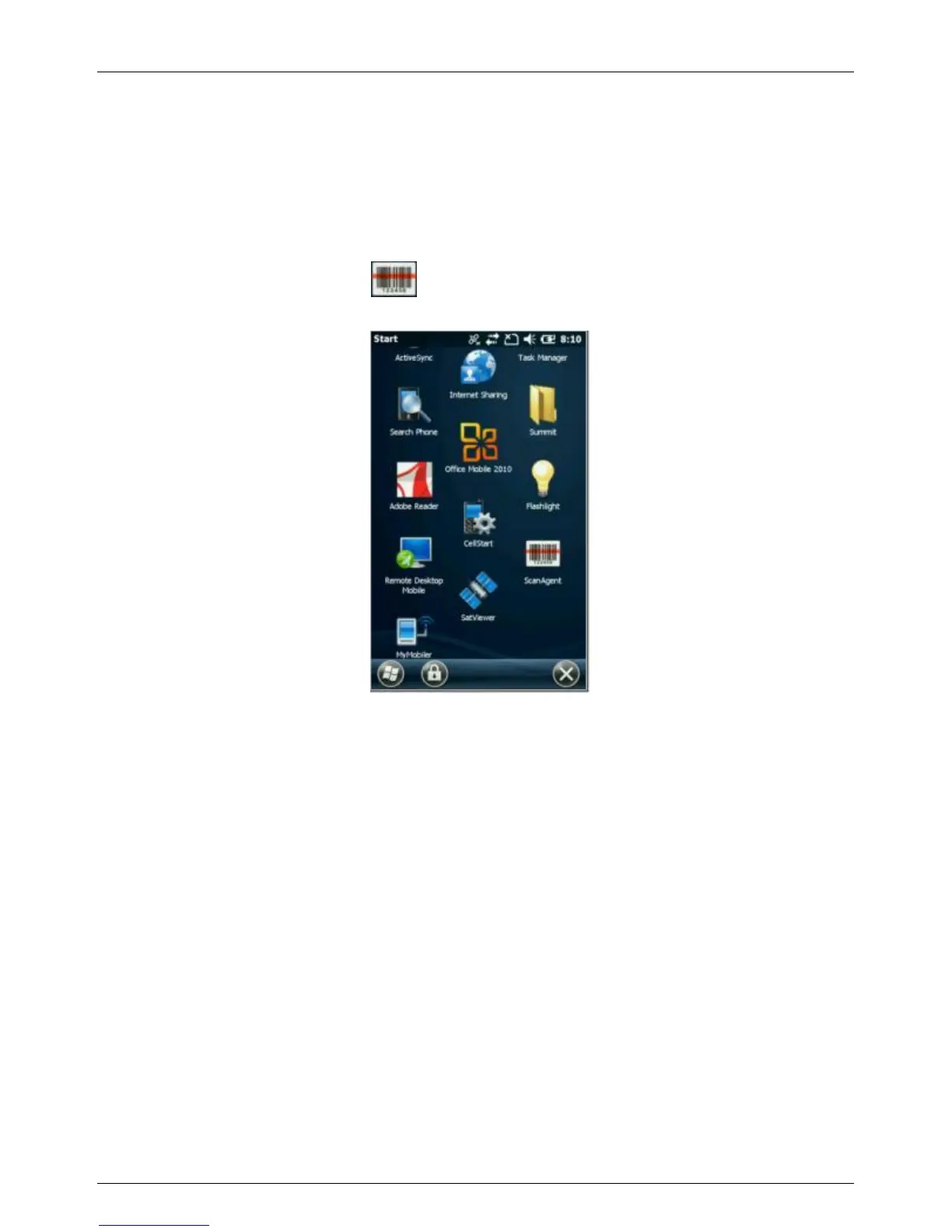
6.10.1 How to Scan Barcode
Tap the ScanAgent icon to launch the button you assigned
for scanning barcode under “Buttons” dialogue box
Option 2: Press the button you assigned for scanning barcode
under “Buttons” dialogue box.
How to make Button Assignment


 To Next Page
 Loading...

