2
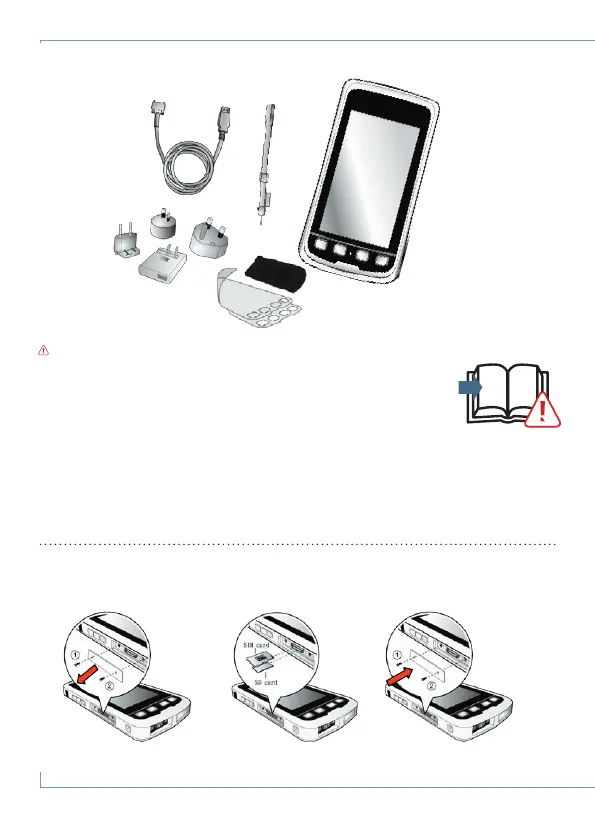
What's in the box
Insert SIM (Juno 5D only) and SD card
www.trimble.com/mappingGIS/juno5.aspx?dtID=technical_support
PDF
CAUTION: Please read the full user guide including all safety warnings, before
operating this product.
To install software onto a handheld powered by the Windows
®
Embedded Handheld operating
system, to copy files between the handheld and an office computer, and to synchronize office
applications, you must connect the handheld to a computer and use synchronization software.
For the Windows 7 or Windows Vista
®
operating system, use the Microsoft Windows Mobile
Device Center. For the Windows XP operating system, you will need to install the Microsoft
®
ActiveSync
®
technology from www.microsoft.com/download/en/details.aspx?id=15.
Windows Embedded Handheld desktop synchronization software



 To Next Page