!
)!
Stylus, sold separately, is available.
The touchscreen is on a rugged Gorilla
®
Glass panel, and to
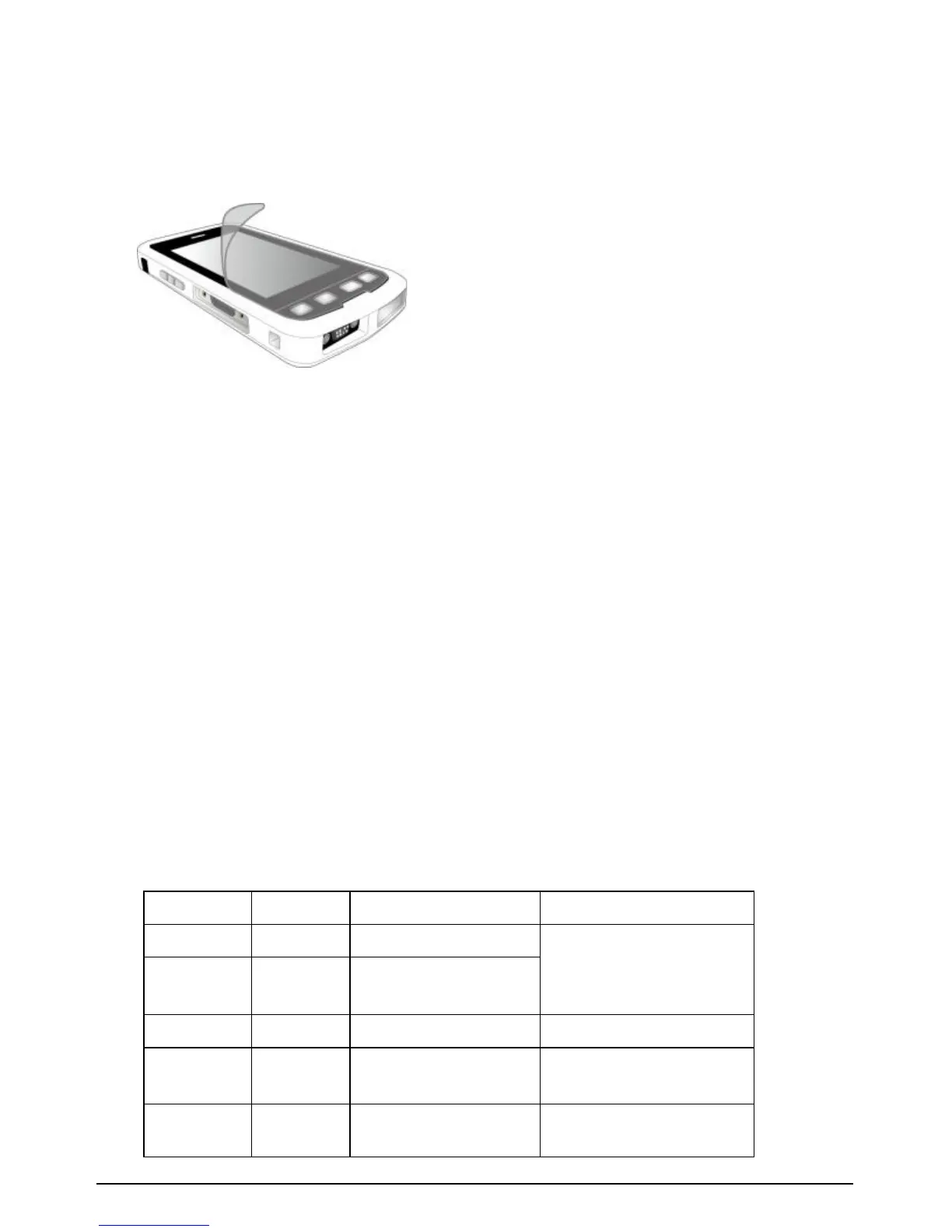
prevent cosmetic scratches, a screen protector is recommended.
Follow the instruction below to apply the Screen Protector.
3. Expanded feature location
Combo of Imager, UHF RFID and/or Enhanced GPS.
4. Phone Receiver (Ear)
When using the optional phone, place the receiver to your ear to
hear the other participant(s) to the phone call.
5. Light Sensor
The Light Sensor detects ambient light in your environment. If the
Backlight control is configured to use the Light Sensor, the
screen brightness dims in a dark environment and brightens in a
lighted environment.
6. Notification LED
One tri-color LED (Red/Amber/Green) indicator is provided for
user notifications. These include battery status and other
operating system (OS) notifications. This indicator is capable of
operating even when the device is in Shutdown mode.
The LED status behavior is as follows:



 To Next Page