!
Y!
1.2 Inserting a storage card and a SIM card
7'!&(%B3@@!3!A&<$'MK!%B'$3=#!<3$?!3(?!3!MNO!<3$?!&(!4'2$!?#-&<#V!4'2!(##?!
B'!$#A'-#!B8#!<'-#$!'(!B8#!@#:B!%&?#!2%&(=!B8#!MKZMNO!L3$?!.<<#%%!7''@!
&(<@2?#?!D&B8!B8#!?#-&<#!3<<#%%'$&#%*! !
AB)#C%78#!?#-&<#!%2;;'$B%!2;!B'!)5!UP!MKSL!A&<$'MK!%B'$3=#!<3$?%*!
MK[L!<3$?%!3$#!('B!%2;;'$B#?*! !
;D$A'A&C!N(%#$B!'$!$#A'-#!3!MNO!<3$?!EFGH!D8#(!B8#!I8'(#!A'?2@#!&%!
<'A;@#B#@4!'::*!
;D$A'A&C!E(@4!&(%#$B!3!MNO!<3$?!'(!?#-&<#%!D&B8!I8'(#ZRR.F!
<3;31&@&B4*!
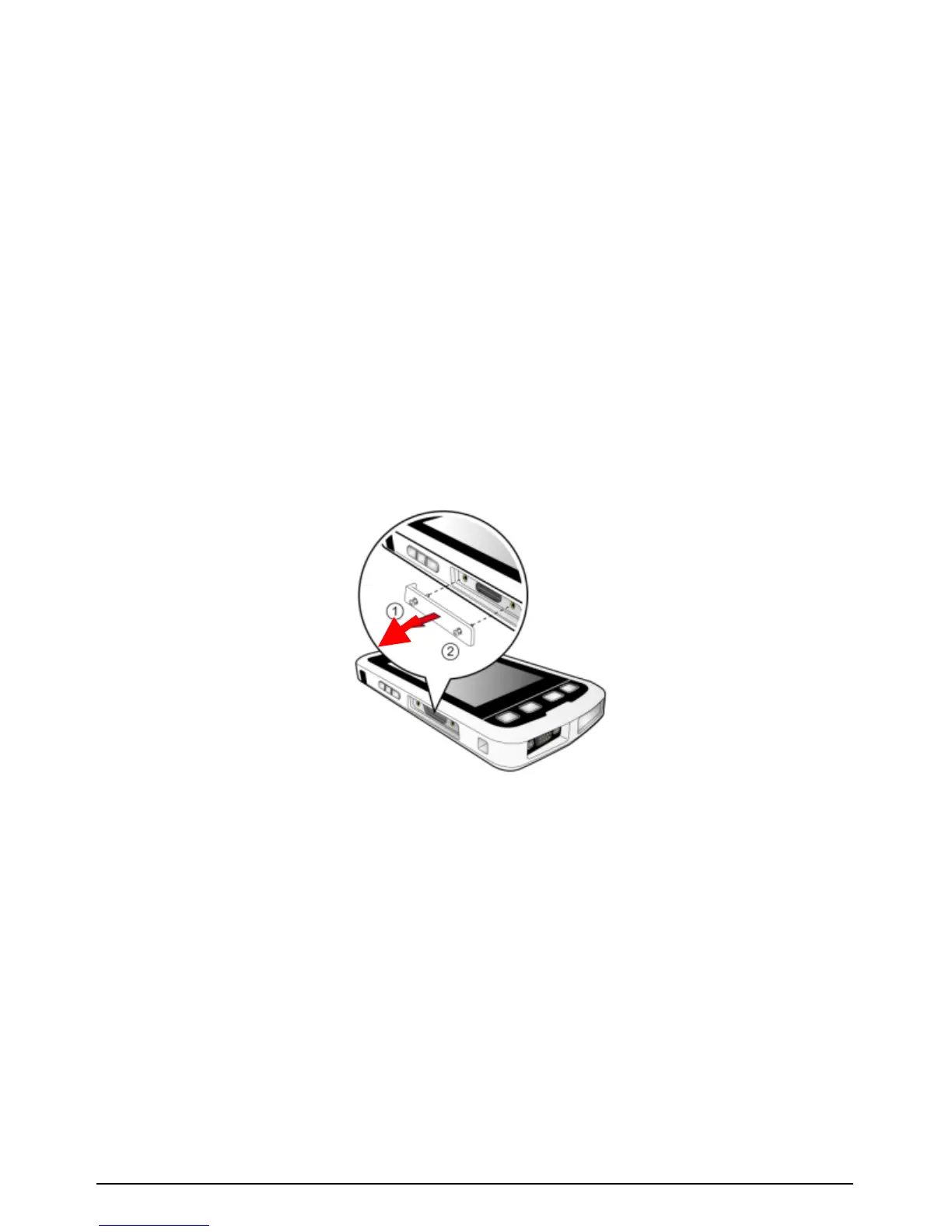
1. Remove the cover on the left side of the device by unscrewing
the screws.
2. Follow the illustration below to insert the storage card and the
SIM card:
To insert the SIM card: push the card into the slot with its
metal contacts facing the back of your device.
To insert the storage card: hold the card by the edges and
gently insert it into the slot with the label facing the front of
your device. Do not apply pressure to the center of the
storage card while inserting the card.



 To Next Page