>2('!76/%
!</*%E7217.%
/^!
!
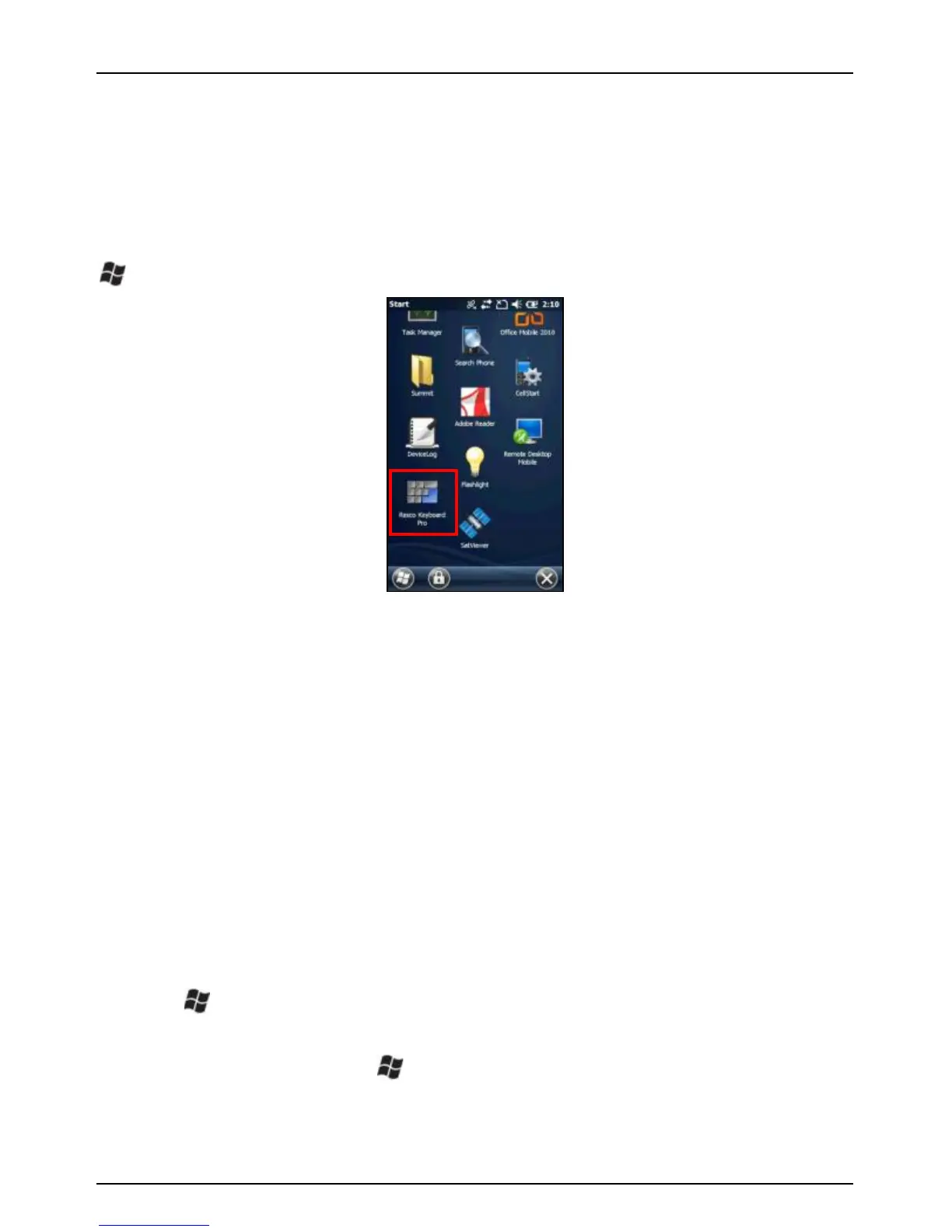
2.7 Configuring the Onscreen Keyboard
78#!M':B!N(;2B!I3(#@!d3@%'!<3@@#?!M*N*I*e!&%!3!%;#<&3@!'(_%<$##(!9#41'3$?!:'$!
?#-&<#%!D8&<8!?'!('B!83-#!%B3(?3$?!9#41'3$?%*!78#!>2('!76/!&(<@2?#%!3!
<2%B'A!M*N*I*!3;;@&<3B&'(!<3@@#?!$/<T3%U/K-37*8%F*3*!7'!<'(:&=2$#!&BV!B3;!
! b!$/<T3%U/K-37*8%F*3*!
!
-(./&)0(12&#$3)%$&!3@@'D%!4'2!B'!<2%B'A&g#!4'2$!?#-&<#!:'$!:3%B!&(%#$B&'(!
':!:$#i2#(B@4!2%#?!;8$3%#%V!3(?!B'!<2%B'A&g#!-3$&'2%!:#3B2$#%!&(<@2?&(=!
83;B&<!'$!32?&'!:##?13<9V!13%&<!'$!3?-3(<#?!=#%B2$#%!3(?!A'$#*!-(./&)
0(12&#$3)%$&!%2;;'$B%!)^!@3(=23=#%*!
!
2.8 Perform a Clean Boot / Factory Reset
WARNING: Application software installed by the customer and some
licenses, settings and user data will be cleared if this function is
performed!
1. Press and hold the POWER button to display the Power Menu.
2. Tap Reset.
3. When you see the screen goes completely black, press and hold
the button.
4. When you see the Juno T41 screen, press the RIGHT button
while still holding the button. Let go of both buttons.
5. Press the ACTION button on the left side of the device to clear
the persistent store. Press any other button to cancel and



 To Next Page