>2('!76/%
!</*%E7217.%
XY!
!
Capturing Images
N:!;$#-&#D!('B!:'<2%#?V!3!i2&<9!?'21@#_B3;!'(!B8#!;$#-&#D!%<$##(!:'<2%#%!
B8#!&A3=#!d&:!:'<2%!&%!#(31@#?!&(!%#BB&(=%!A#(2e*!0'<2%!%2<<#%%!&%!&(?&<3B#?!
14!3!=$##(!1'W!?&%;@34#?!3B!<#(B#$!':!B8#!%<$##(*!
!
78#!&A3=#!<3(!1#!<3;B2$#?!3:B#$!B8&%!14!B3;;&(=!'(!B8#!L3A#$3!&<'(!
d e!D8#(!B8#!2%#$!&(B#$:3<#!&%!-&#D31@#!'(!B8#!&A3=#!;$#-&#D*!H'2!<3(!
3@%'!2%#!B8#!.L7NEF!12BB'(!B'!B$&==#$!B8#!&A3=#!<3;B2$#*!
L3;B2$#?!&A3=#%!3$#!%3-#?!D&B8!B8#!:&@#!#WB#(%&'(!':!*>IU*!
Capturing Videos
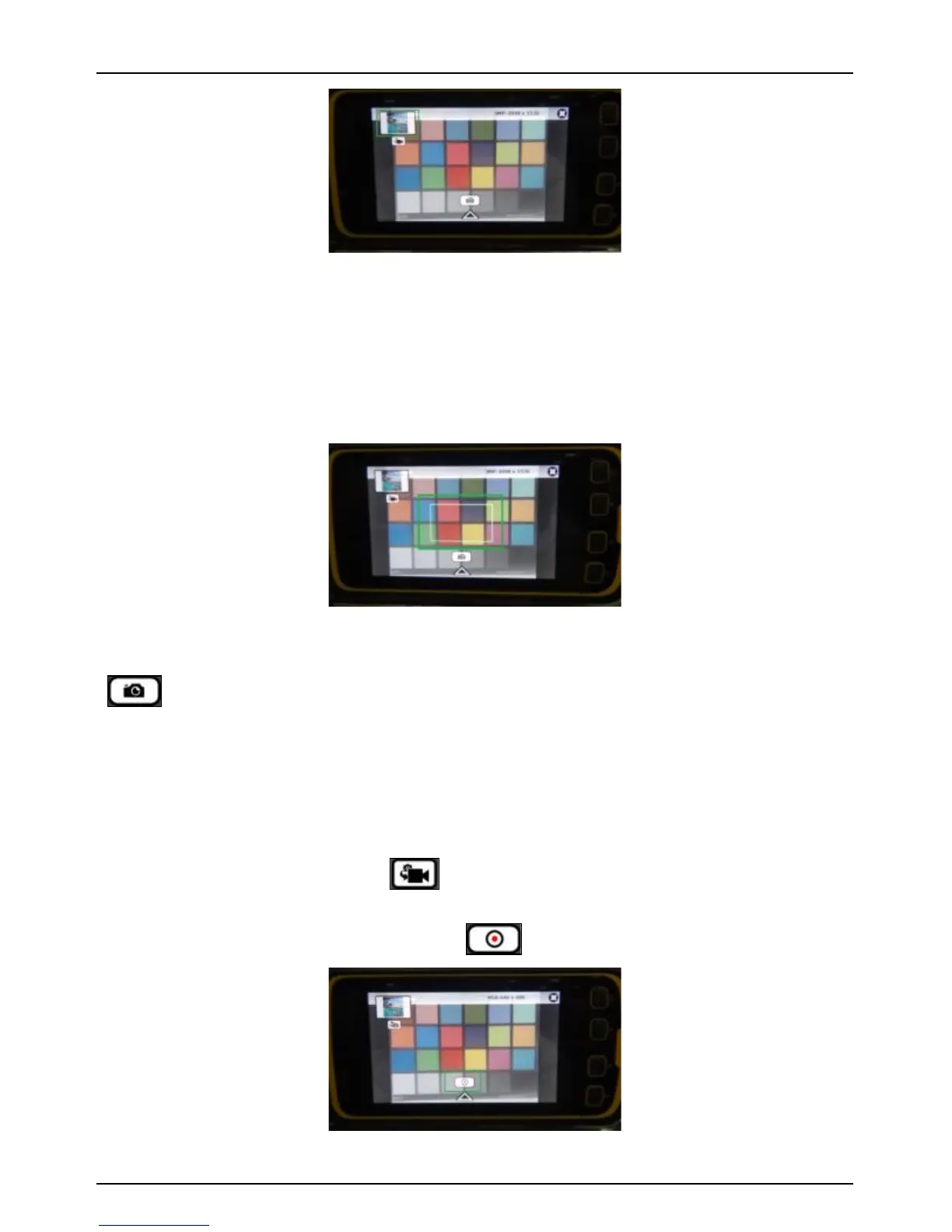
The camera application will switch from image mode to video mode
by tapping the video icon ( ) below the thumbnail window. In
video mode, the similar icon is used to switch to Image mode.
.!B3;!':!B8#!<3;B2$#Z$#<'$?!12BB'(!d e!D&@@!%B3$B!<3;B2$&(=!B8#!-&?#'*!
L3;B2$#?!-&?#'!:&@#%!3$#!%3-#?!D&B8!B8#!:&@#!#WB#(%&'(!':!*RO"*!



 To Next Page