>2('!76/%
!</*%E7217.%
Y\!
_! !.1'$B#?!<83$=#!<4<@#%!3(?!j!<3;3<&B4!3B!B#$A&(3B&'(!
_! !I$'-&?#!('B&:&<3B&'(!D8#(!B8#!(2A1#$!':!<83$=#!<4<@#%!$#3<8#%!^+j!
':!B8#!A3W!
6.10 1D/2D Barcode Imaging (For S Configuration
only)
6.10.1 How to Scan Barcode
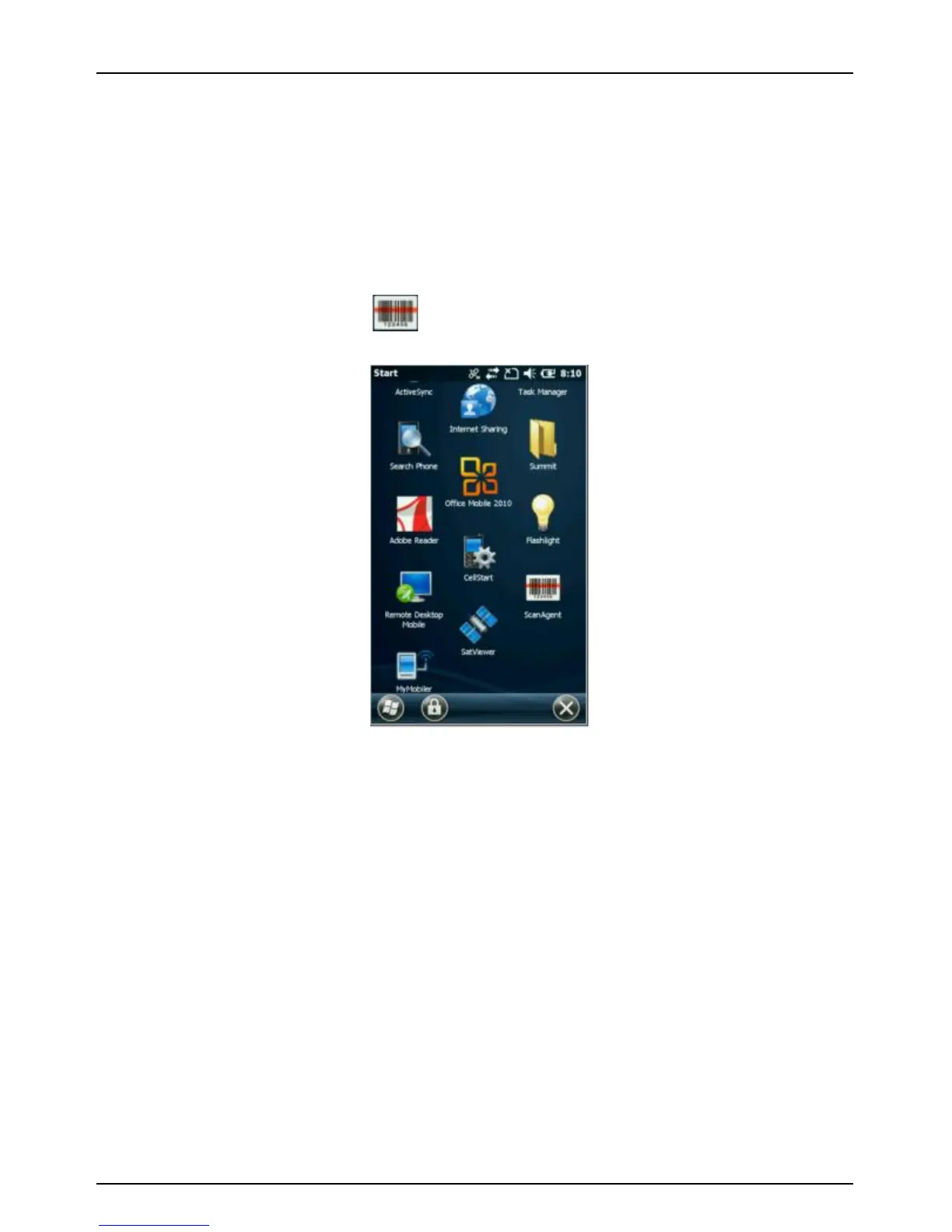
Tap the ScanAgent icon to launch the button you assigned
for scanning barcode under “Buttons” dialogue box
!
!
Option 2: Press the button you assigned for scanning barcode
under “Buttons” dialogue box.!
!
!
How to make Button Assignment



 To Next Page