2-21
Operating Your Tablet Computer
Conguring AirCard
®
Watcher Settings
On the AirCard
®
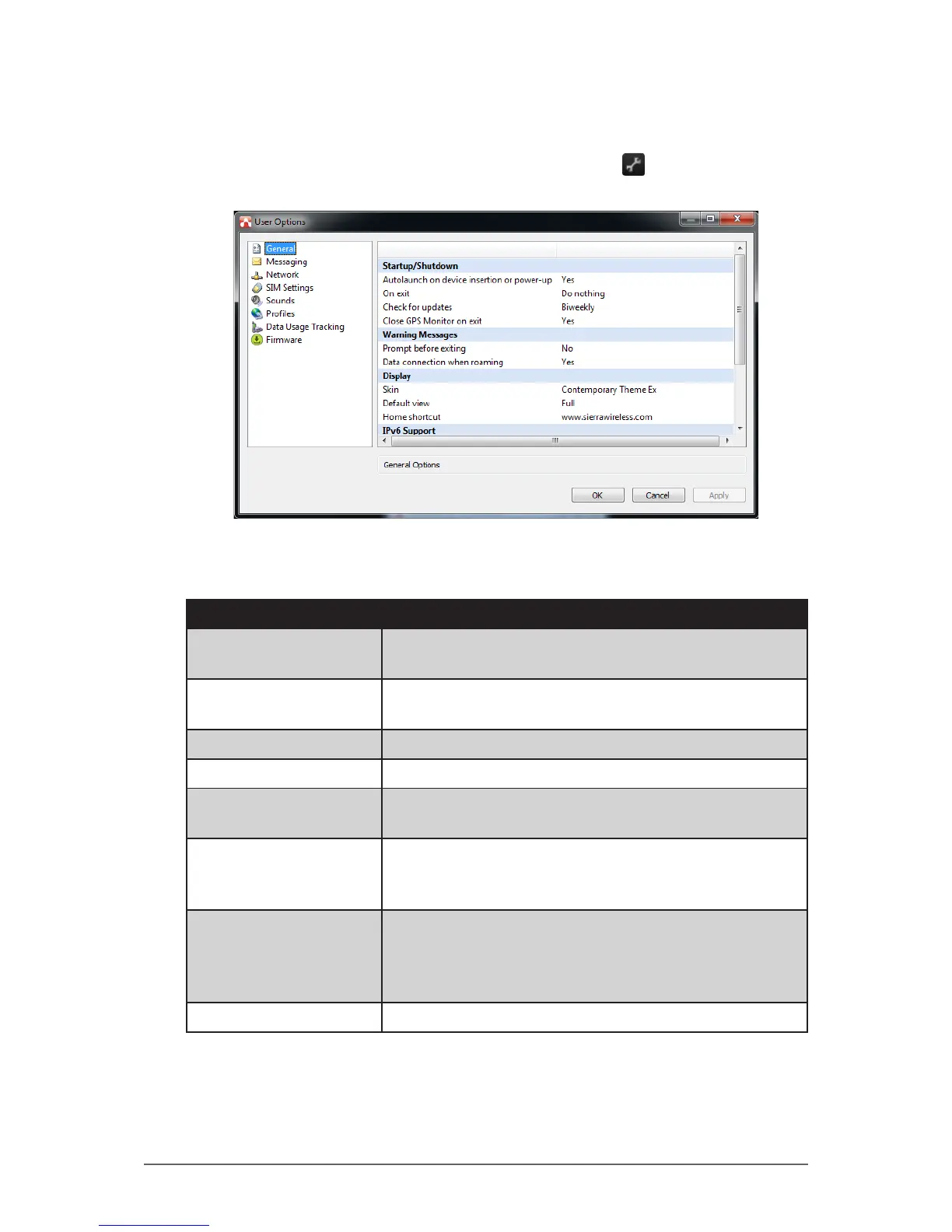
Watcher main screen, tap the Settings ( ) icon to display the
screen below.
Tap a menu item on the left panel to display the corresponding settings on the
right. The following menus are available:
Menu Description
General Congures startup/shutdown settings, warning
messages, display properties, and others.
Messaging Congures message settings such as service center
number, default storage, and message notication.
Network Congures network mode and radio technology.
SIM Settings Enables SIM security settings.
Sounds Enables sound alert when network is connected,
disconnected or when a new message is received.
Proles Congures network proles and auto-connect
functions. See “To congure 3G network proles” on
page 2-22.
Data Usage Tracking Enables data usage tracking and congures data
subscription rate plan settings. This feature is useful
when you have limited data rate plan to help you
monitor and control your Internet usage.
Firmware Displays rmware information.


 To Next Page
 Loading...