2-20
Operating Your Tablet Computer
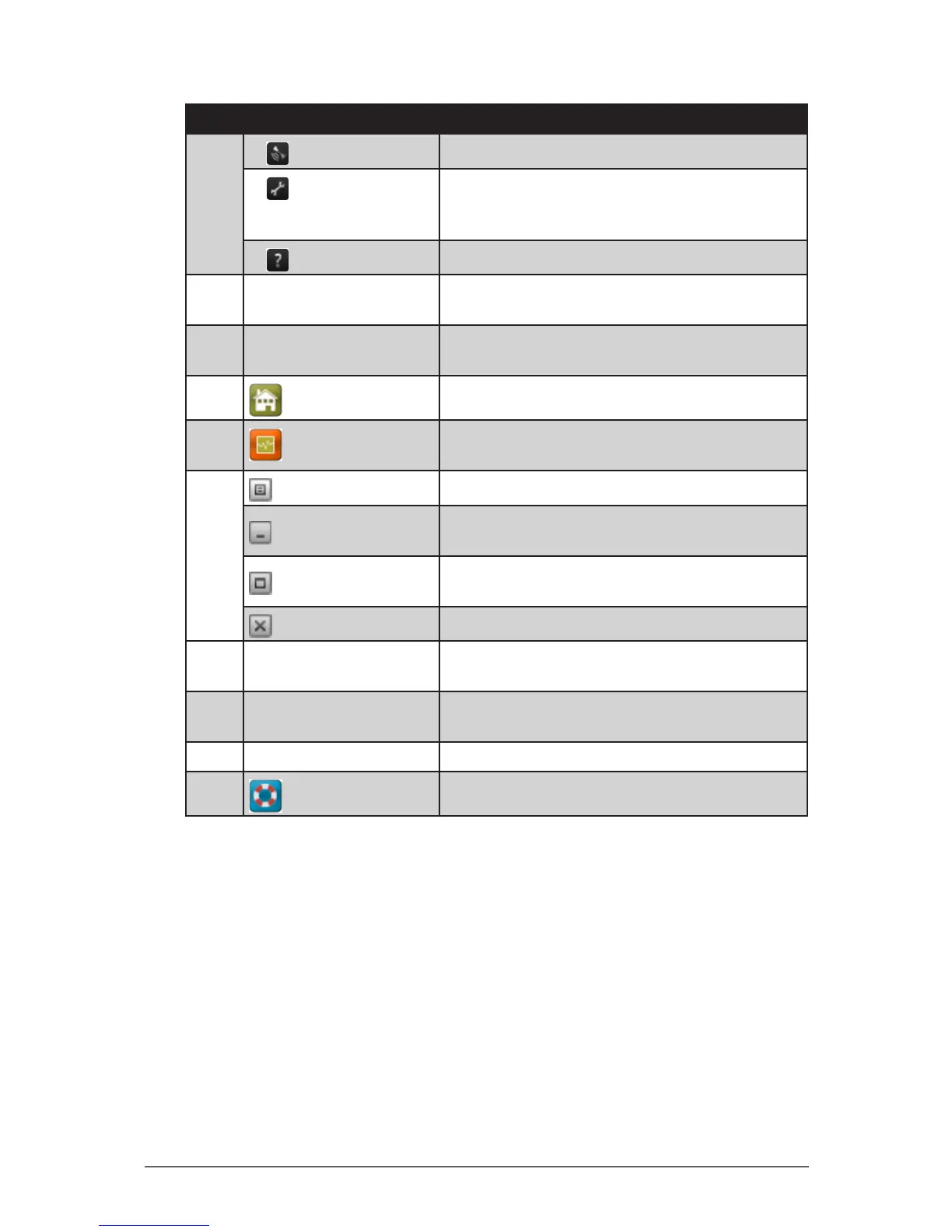
No. Item Description
2
AirCard GPS
Tap to open AirCard GPS Monitor.
Settings
Tap to access the AirCard
®
Watcher settings.
See “Conguring AirCard® Watcher Settings”
on page 2-21.
Help
Tap to view the help le.
3 Network Name Displays the name of the SIM card network
provider.
4 Data Transfer Rate Displays the upstream and downstream
transfer information.
5
Home
Tap to open the Sierra Wireless website.
6
Speed Graph
Tap to display a graphical table of the data
transfer speed.
7
Menu
Tap to access the application menu.
Minimize
Tap to minimize the application to the system
tray.
Restore
Tap to toggle the display between full view
and compact view.
Close
8 Connect / Disconnect
Button
Tap to connect or disconnect from the 3G
network.
9
Network Info
A graphical display of the network connection
type.
10 Speed Indicates the network connection speed.
11
Customer Support
Tap to open Sierra Wireless support website.


 To Next Page
 Loading...