2-31
Operating Your Tablet Computer
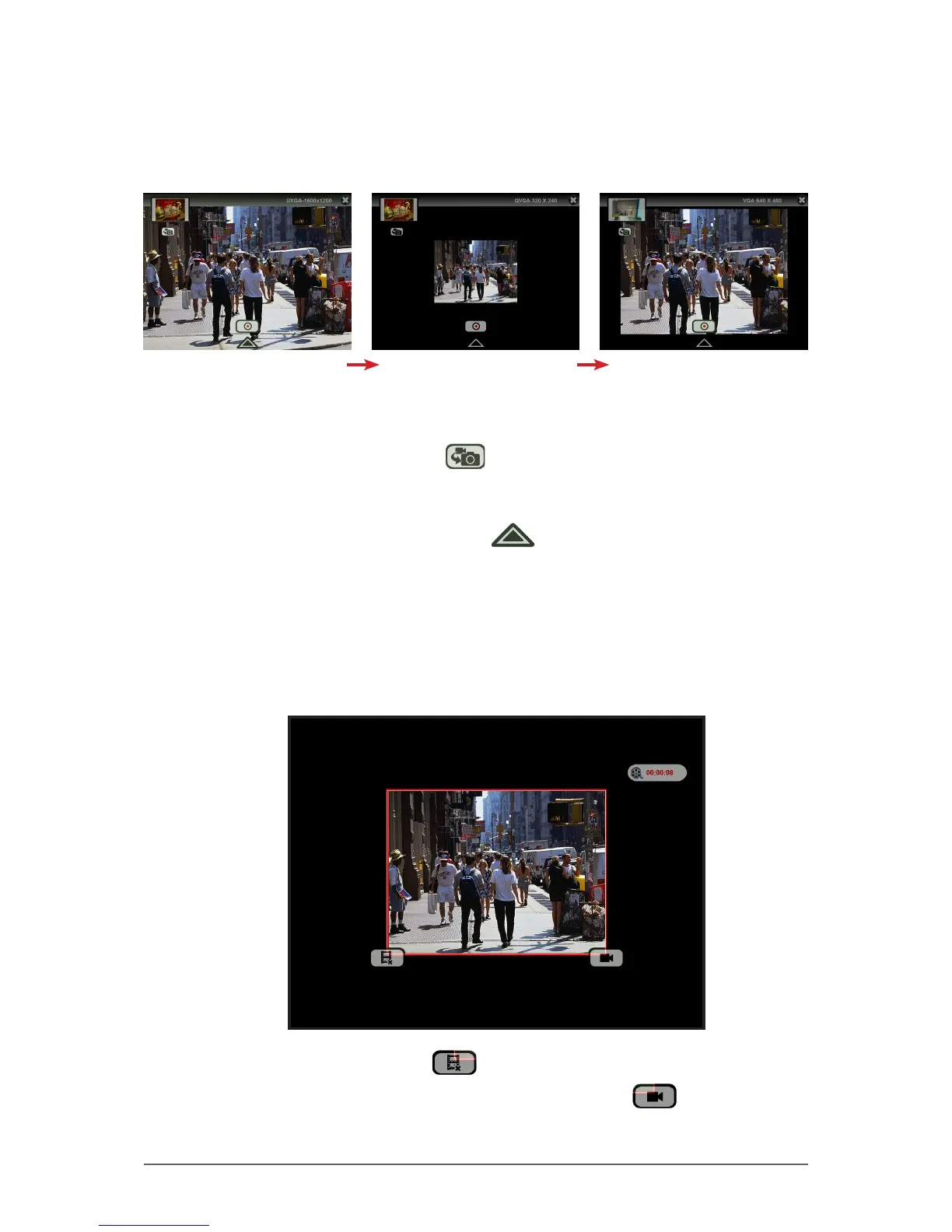
To change the video resolution
• To change the video resolution, tap the resolution on the upper-right corner
of the screen to toggle the settings:
UXGA 1600 x 1200 QVGA 1600 x 1200 VGA 1600 x 1200
To switch to Photo mode
• To switch to Photo mode, tap .
To congure video settings
• To congure the video settings, tap . See “Working with Videos” on
page 2-38 for more information.
Playing Videos
When Video Review is enabled in video settings, the video is automatically
previewed after the recording stops.
• To delete the recording, tap .
• To save the recording and close the video review, tap .



 To Next Page