2-30
Operating Your Tablet Computer
Recording Videos
1. Open the camera.
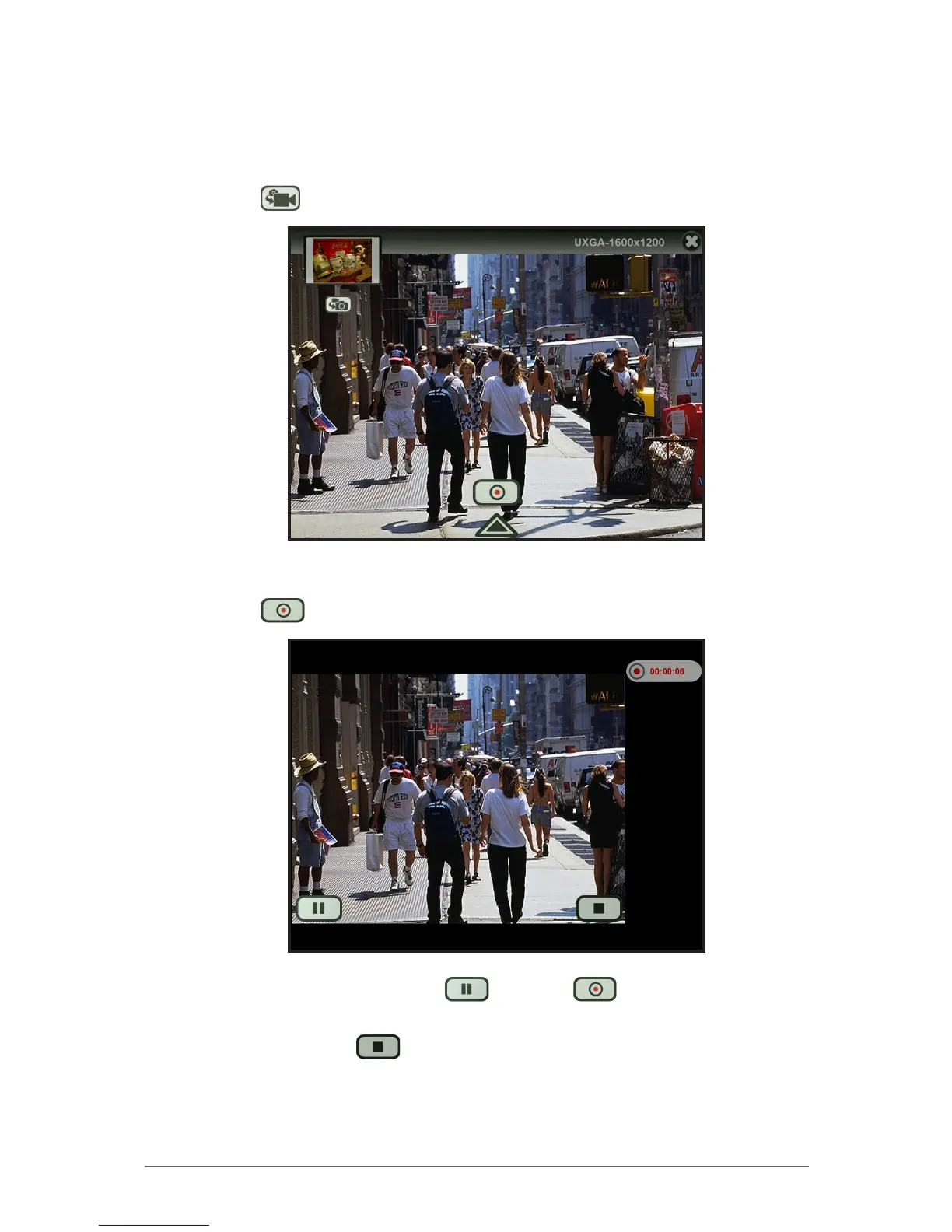
2. Tap to change to Video mode.
3. Focus on your subject.
4. Tap to start the recording. The recording screen appears.
5. To pause the recording, tap . Then tap to resume the
recording.
6. When done, tap to stop the recording.



 To Next Page