2-41
Operating Your Tablet Computer
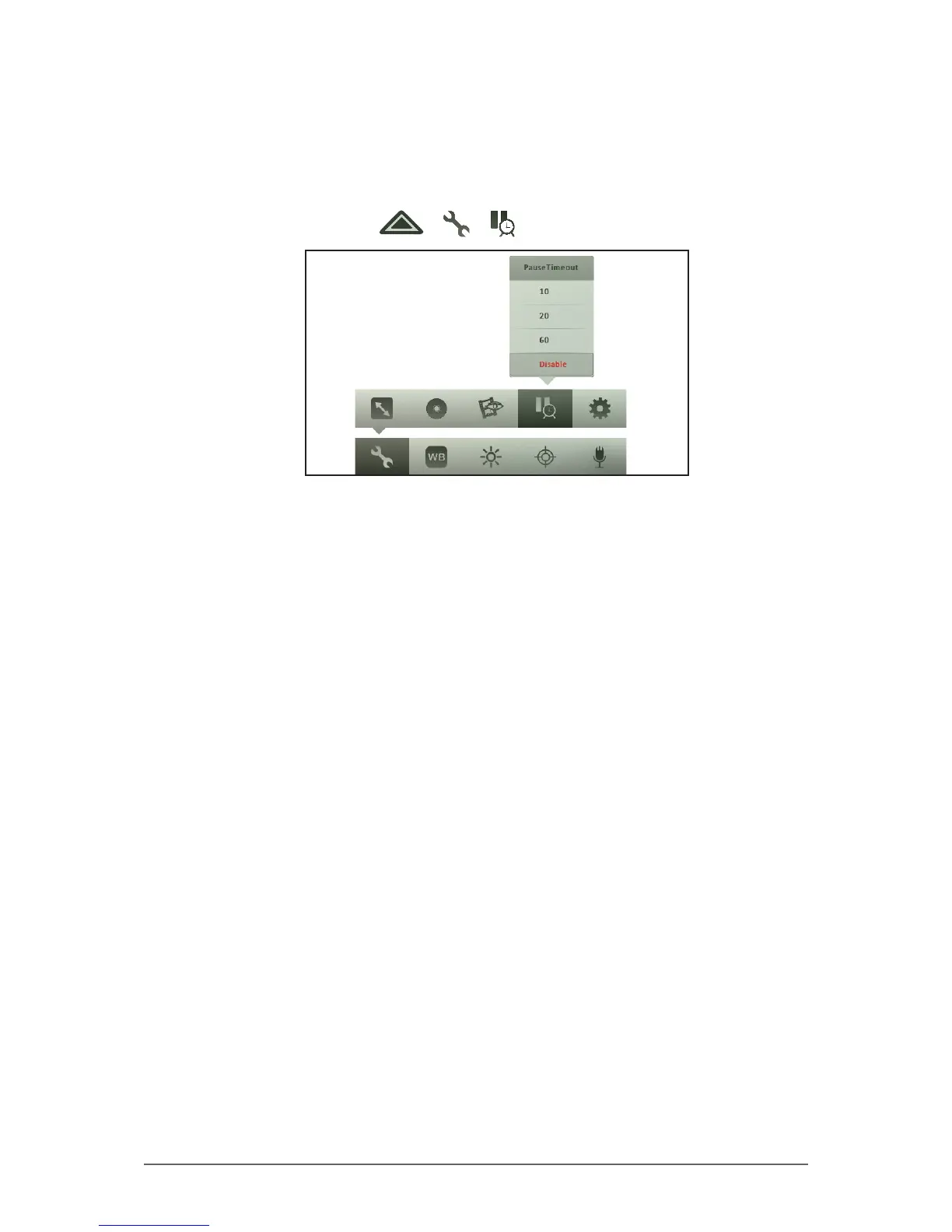
To set pause timeout
When recording videos, users sometimes pause the recording and forget to
resume or stop it. With the Pause Timeout setting, you can set the amount of
time after which the paused recording is automatically saved and stopped.
1. In Video mode, tap > > .
2. Tap one of the following options:
• 10: Select this option to save and stop the recording after being paused
for 10 seconds.
• 20: Select this option to save and stop the recording after being paused
for 20 seconds.
• 60: Select this option to save and stop the recording after being paused
for 60 seconds.
• Disable: Select this option to disable pause timeout option.



 To Next Page