2-40
Operating Your Tablet Computer
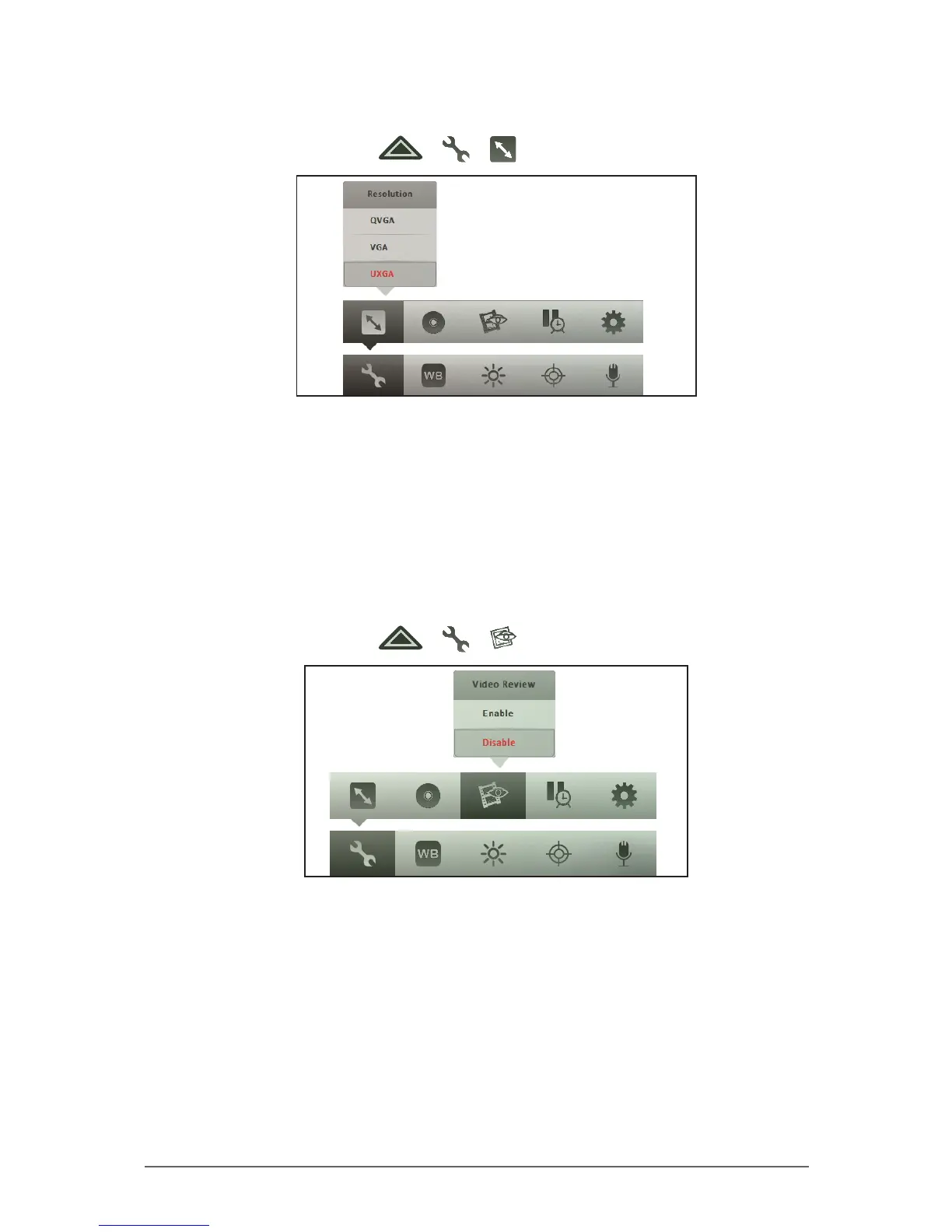
To set the video resolution
1. In Video mode, tap > > .
2. Tap a resolution.
• QVGA: Select this option for a 320 x 240 video resolution. Ideal for
recording small-sized videos to attach to emails or messages.
• VGA: Select this option for a 640 x 480 video resolution.
• UXGA: Select this option for a 2600 x 1200 video resolution. Ideal for
recording high quality videos.
To enable video review
1. In Video mode, tap > > .
2. Tap one of the following options:
• Enable: Select this option to review the video right after recording it.
• Disable: Select this option to disable video review.



 To Next Page