2-39
Operating Your Tablet Computer
No. Item Description
2
Pause Timeout
Sets the pause timeout option. See “To set
pause timeout” on page 2-41.
App Settings
Congures the sound and lename prex
settings. See “Managing Camera Application
Settings” on page 2-42.
3 Submenu Options Displays the options of a tapped menu. Tap
an option to select it.
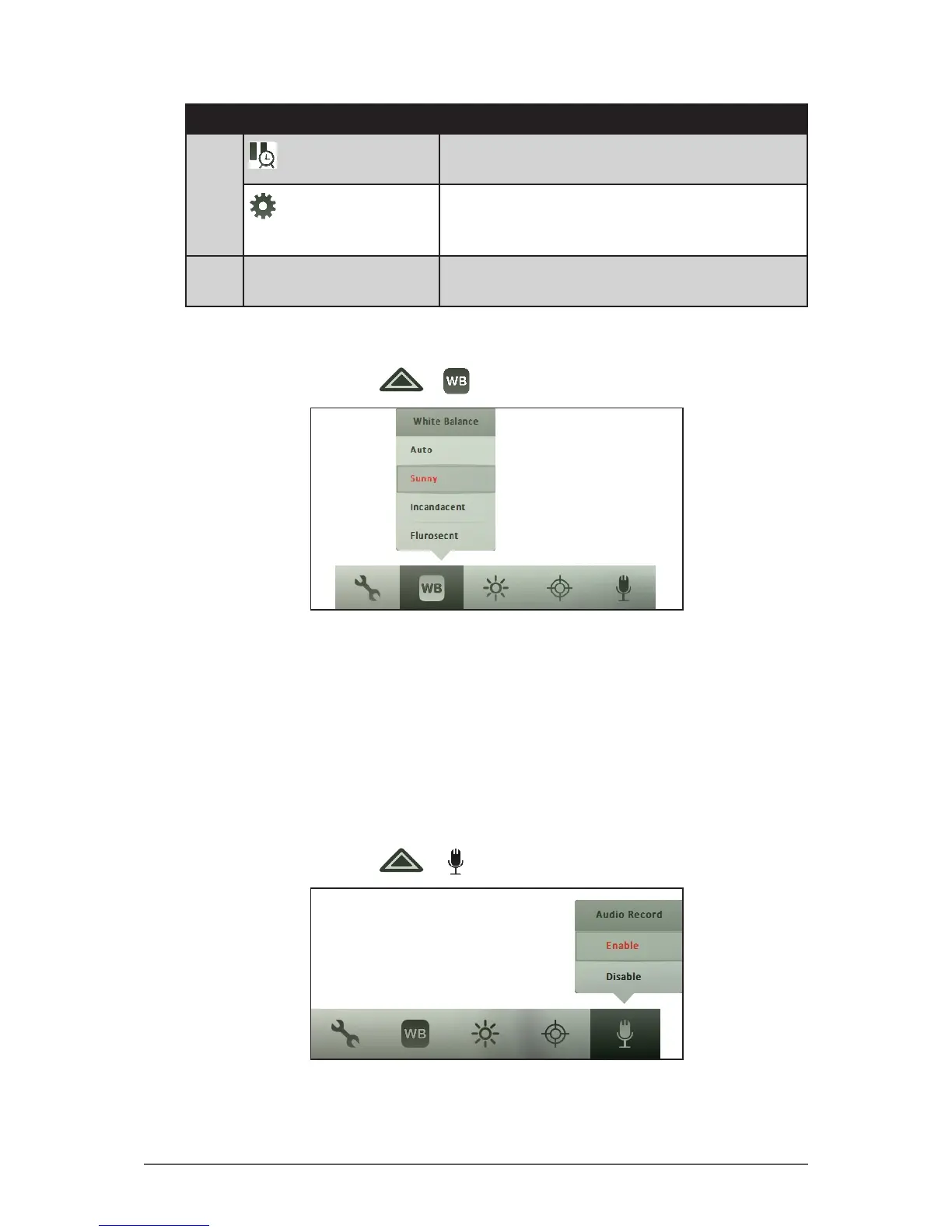
To set the white balance
1. In Video mode, tap > .
2. Tap the one of the following options:
• Auto: Allows the camera to set the white balance automatically.
• Sunny: Select this option when capturing outdoor videos.
• Incandescent: Select this option when capturing indoor videos.
• Fluorescent: Select this option when capturing videos under
uorescent lighting.
To enable audio recording
1. In Video mode, tap > .
2. Tap Enable to enable audio recording or Disable to disable audio
recording.



 To Next Page