4-3
Managing Power
Checking the Battery Level
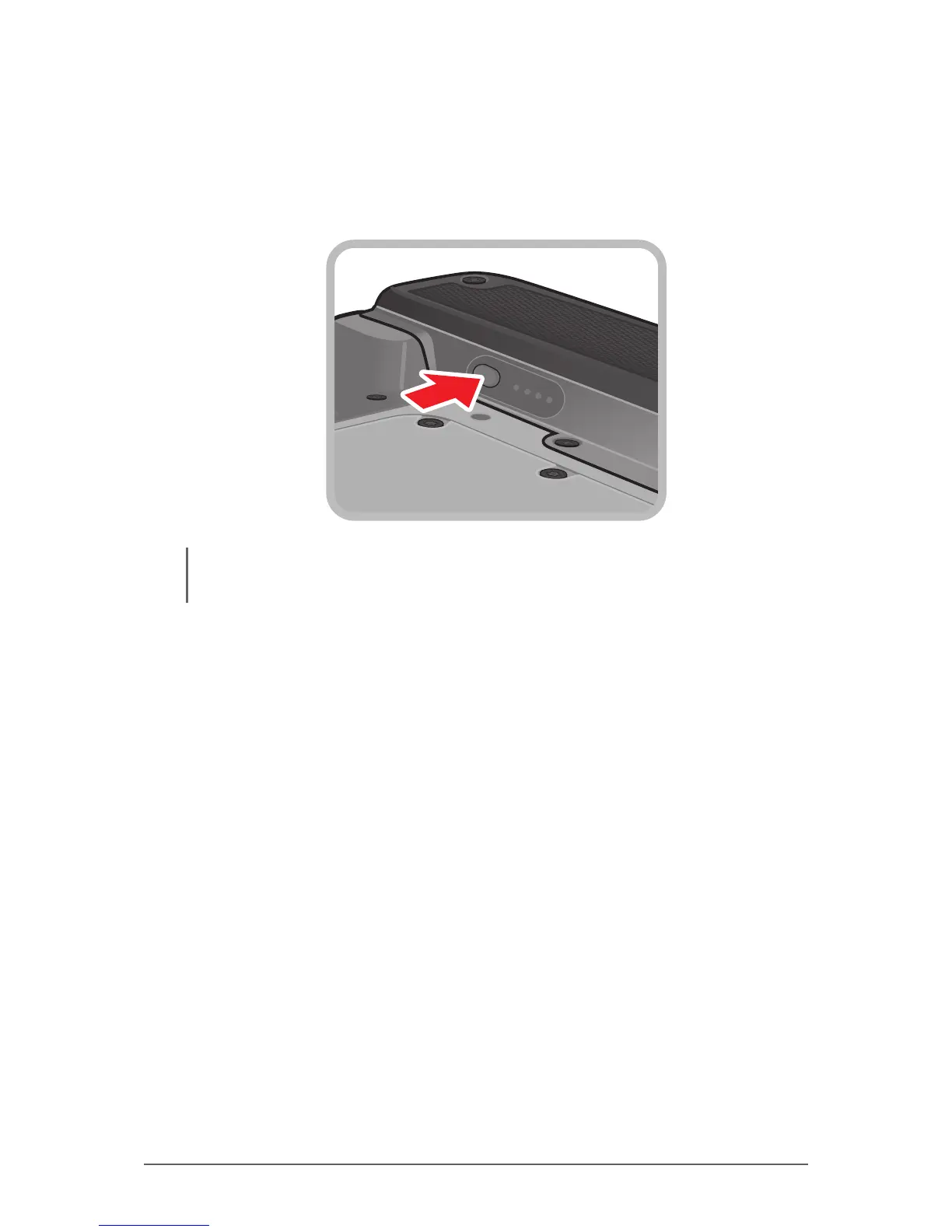
To check the battery level, press the battery button on each of the battery
packs. The battery LED lights up. The number of lit up LEDs indicate the battery
level of the battery pack.
NOTE: The battery capacity indicator shows only the battery level of one battery pack. To check the
level of the second battery pack, press the battery button on the second battery pack.



 To Next Page