2-2 Operating Your Tablet Computer
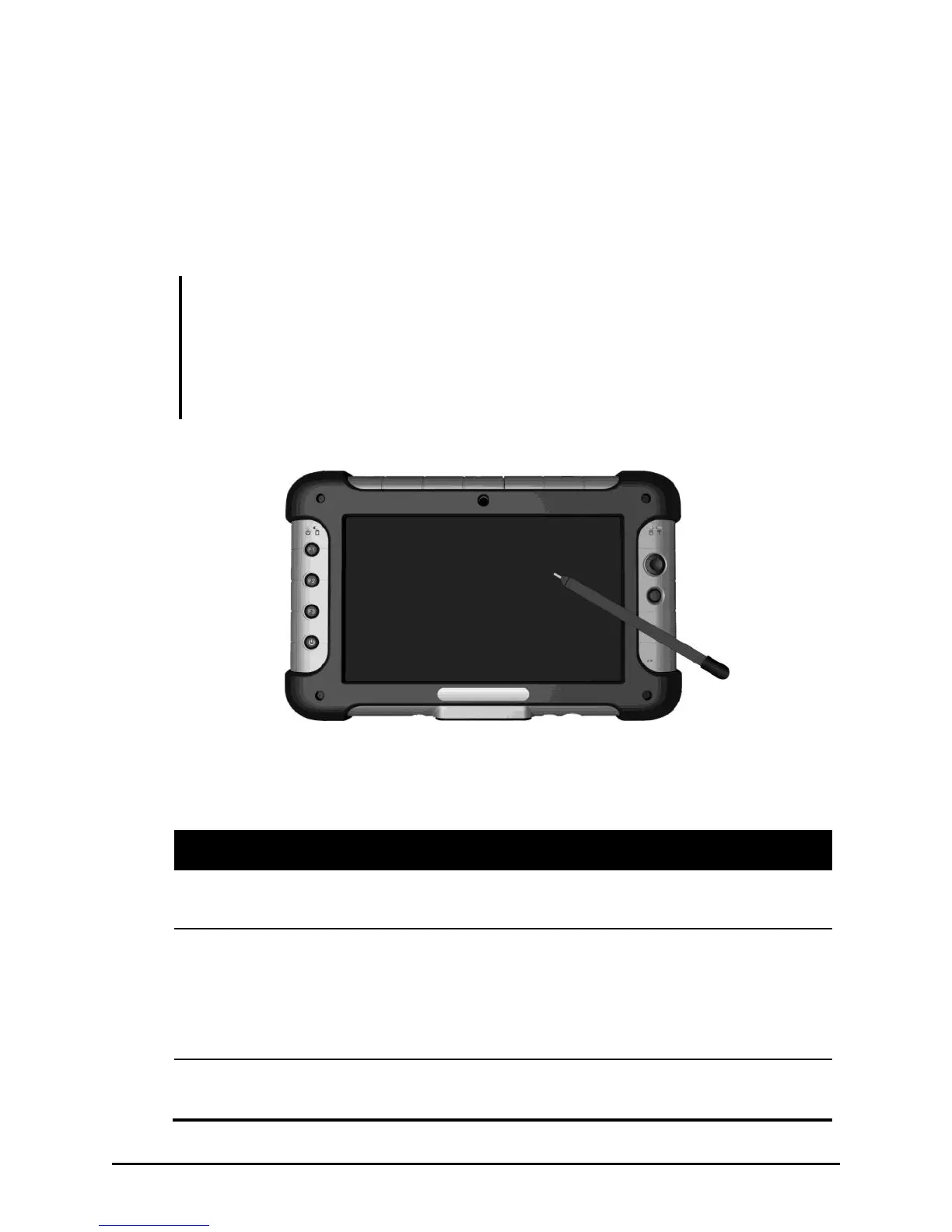
Using the Touchscreen
The touchscreen is a touch-sensitive device that allows you to easily
communicate with the tablet computer by controlling the location of the
pointer on the screen.
CAUTION:
Do not use the screwdriver end of the stylus on the touchscreen or it will scratch
your screen. Use only the spring-tip end of the stylus.
Install the screen protector film to keep the touchscreen clean and protected.
Screen protectors extend the life of the display by providing a protective and
replaceable barrier between abrasive grit and the surface of the display.
Here are some common terms that you should know when using the
touchscreen:
Tap gently on the touchscreen to select or open an item.
Tapping is the same as clicking the left button on a PC mouse.
Touch and hold the stylus lightly on the display. A circle of
dots will appear to indicate that a pop-up menu will soon
appear. Lift up the stylus and a pop-up menu appears. Select
the desired function. This action is similar to a right mouse
click on a PC.


 To Next Page
 Loading...