Operating Your Tablet Computer 2-3
Touchscreen Calibration Utility
When there is a noticeable discrepancy in the placement of the stylus on
the screen and the indicated position of the onscreen pointer, use the
calibration utility under Start All Programs Touchkit CalTouch to
correct the error.
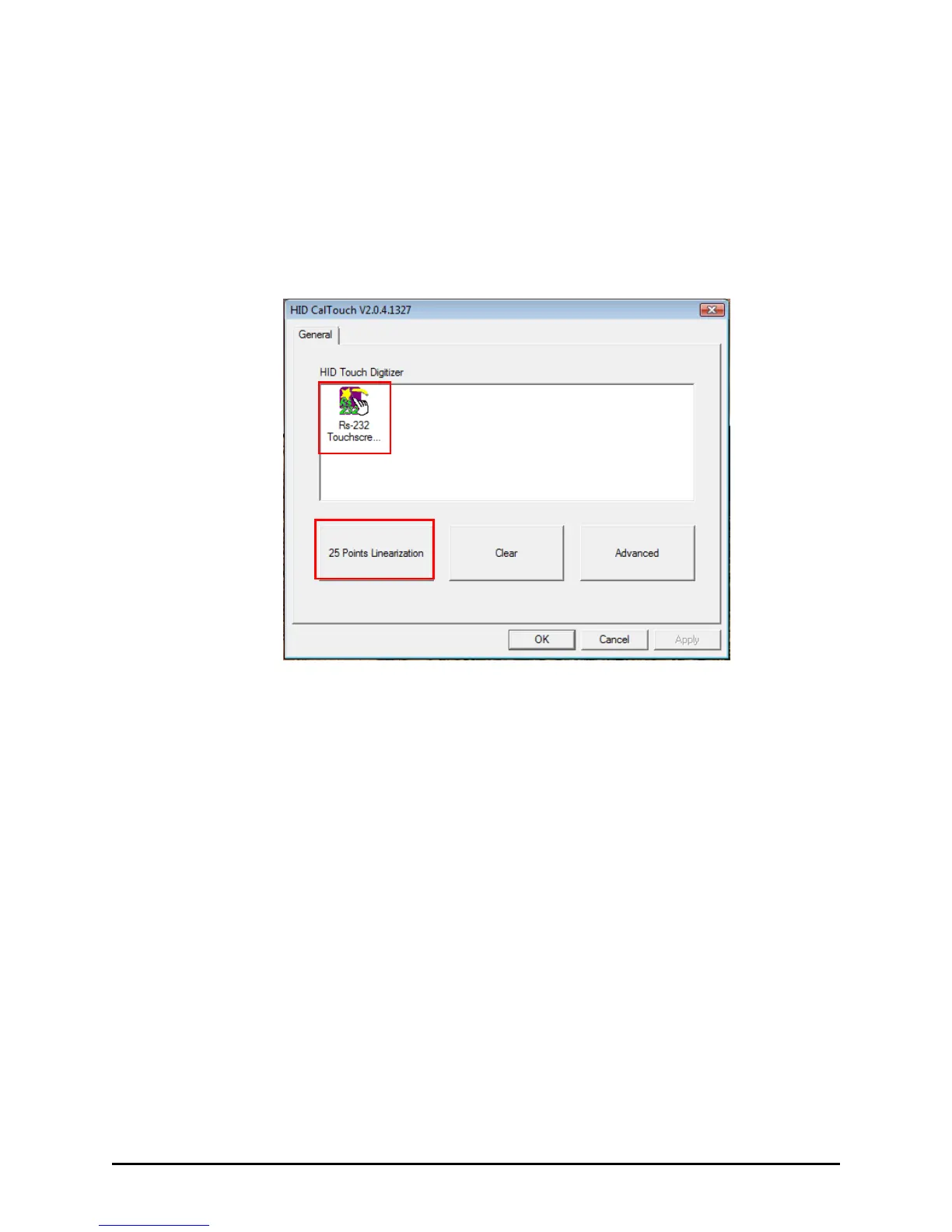
Tap the RS-232 Touchscreen icon and then tap 25 Points Linearization. Tap
and hold each of the 25 targets to calibrate the touchsreen.



 To Next Page