2-4 Operating Your Tablet Computer
Using the Input Panel
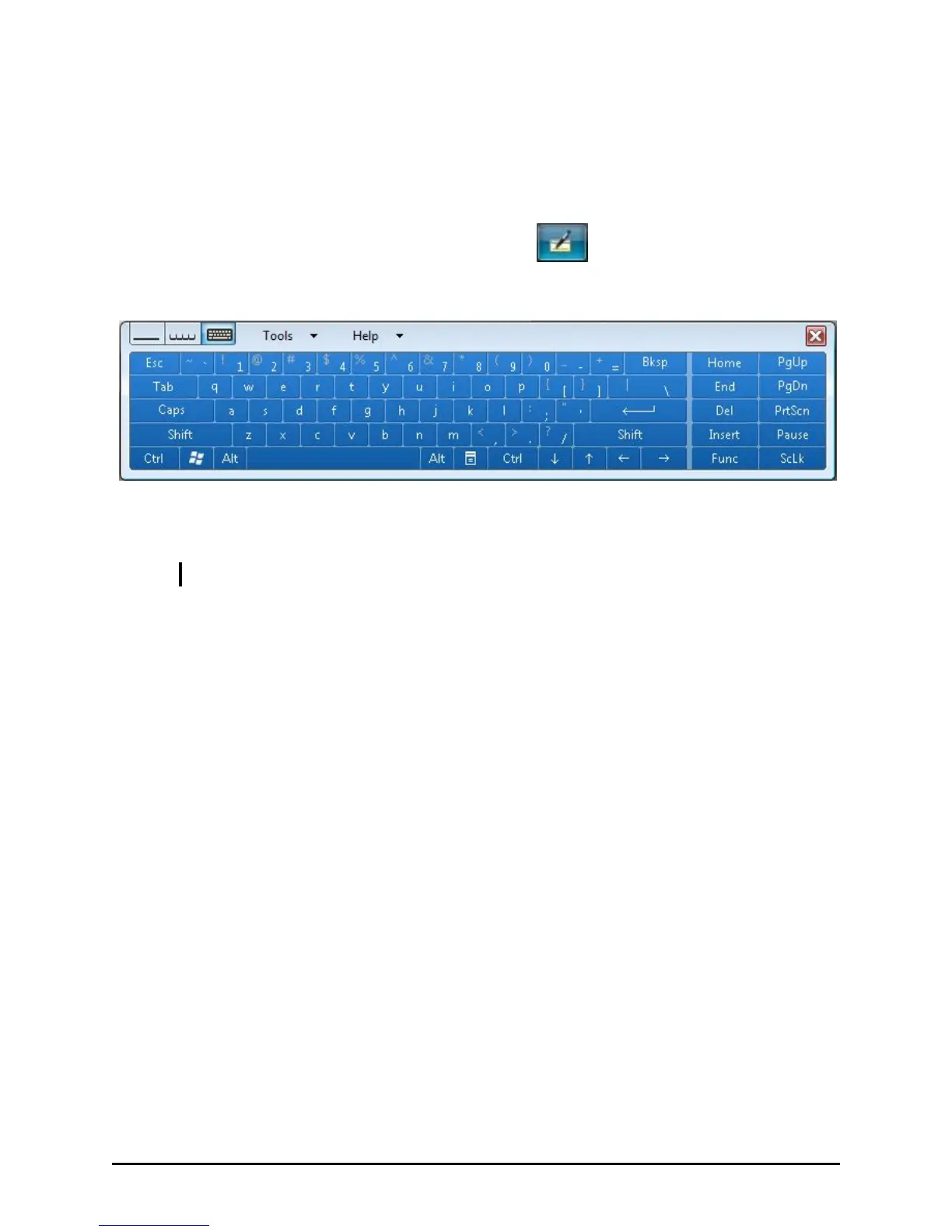
Use the input panel to enter text and perform various keyboard functions.
1. Press F3 or tap the input panel icon located in the Windows
system tray and the input panel will appear onscreen.
2. Tap the characters on the input panel with the stylus.
NOTE: To increase the size of the input panel select the lower corners and drag.



 To Next Page