Operating Your Tablet Computer 2-7
Using the Communication Features
Using the Wireless LAN (WiFi)
A few of the WiFi features include:
Peer-to-Peer (Ad-Hoc) and Access Point (Infrastructure) modes
supported
WEP (Wired Equivalent Privacy) 64/128-bit data encryption
IEEE 802.11b/g standard compliance
NOTE: 802.11g mode is backward compatible with 802.11b mode.
It takes approximately 30 seconds for your tablet computer to make a
successful WiFi connection and approximately 10 seconds to disconnect.
Turning the WiFi Radio On and Off
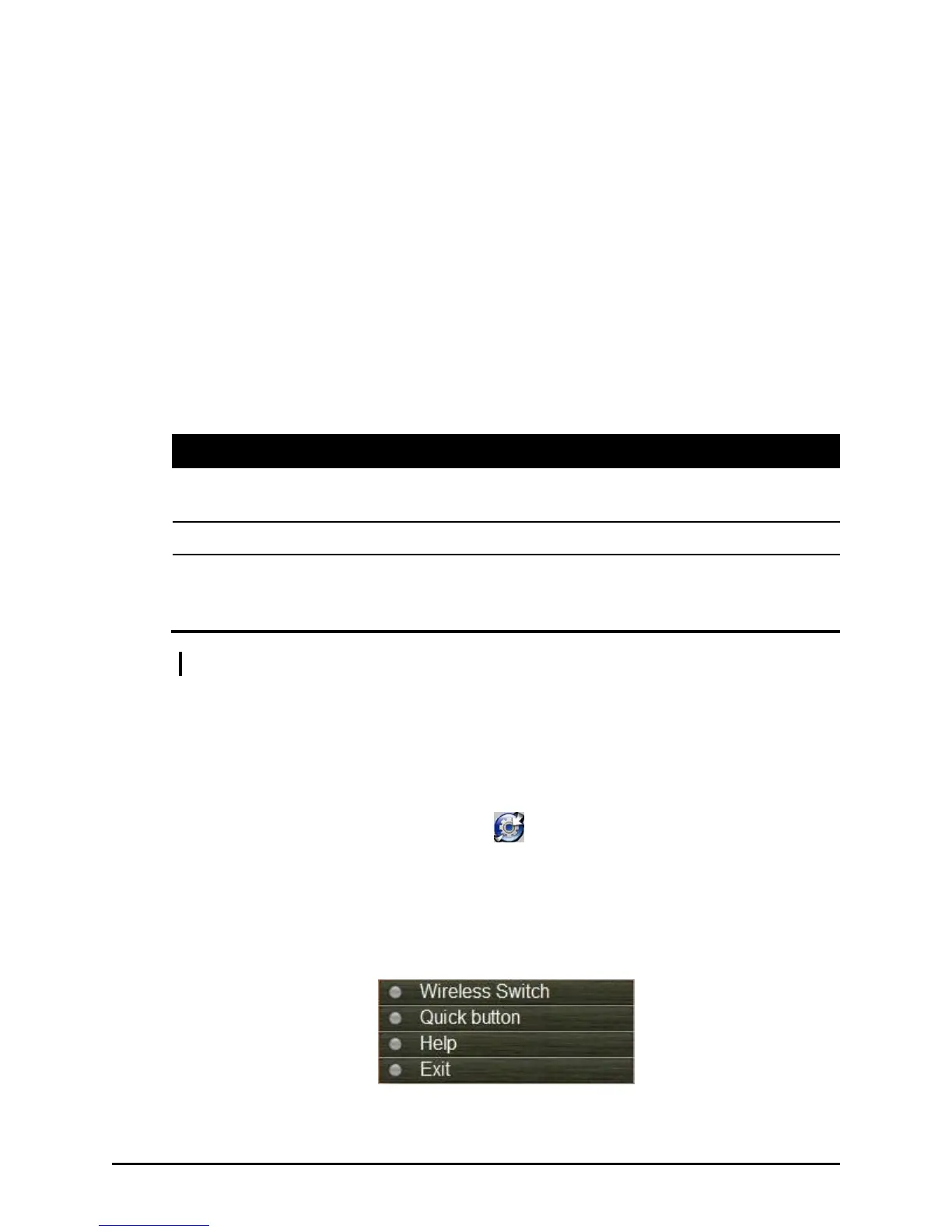
1. Tap and hold the stylus on the icon located in the Windows
system tray until the ring appears then lift up and the menu appears.
When no wireless device(s) is detected, it is indicated by the button
highlighted as gray. The Wireless Switch is enabled (On) by default,
which is indicated by the button being green.


 To Next Page
 Loading...