2-8 Operating Your Tablet Computer
NOTE: If there is no icon located in the Windows system tray, tap Start All
Programs System utility OSD.
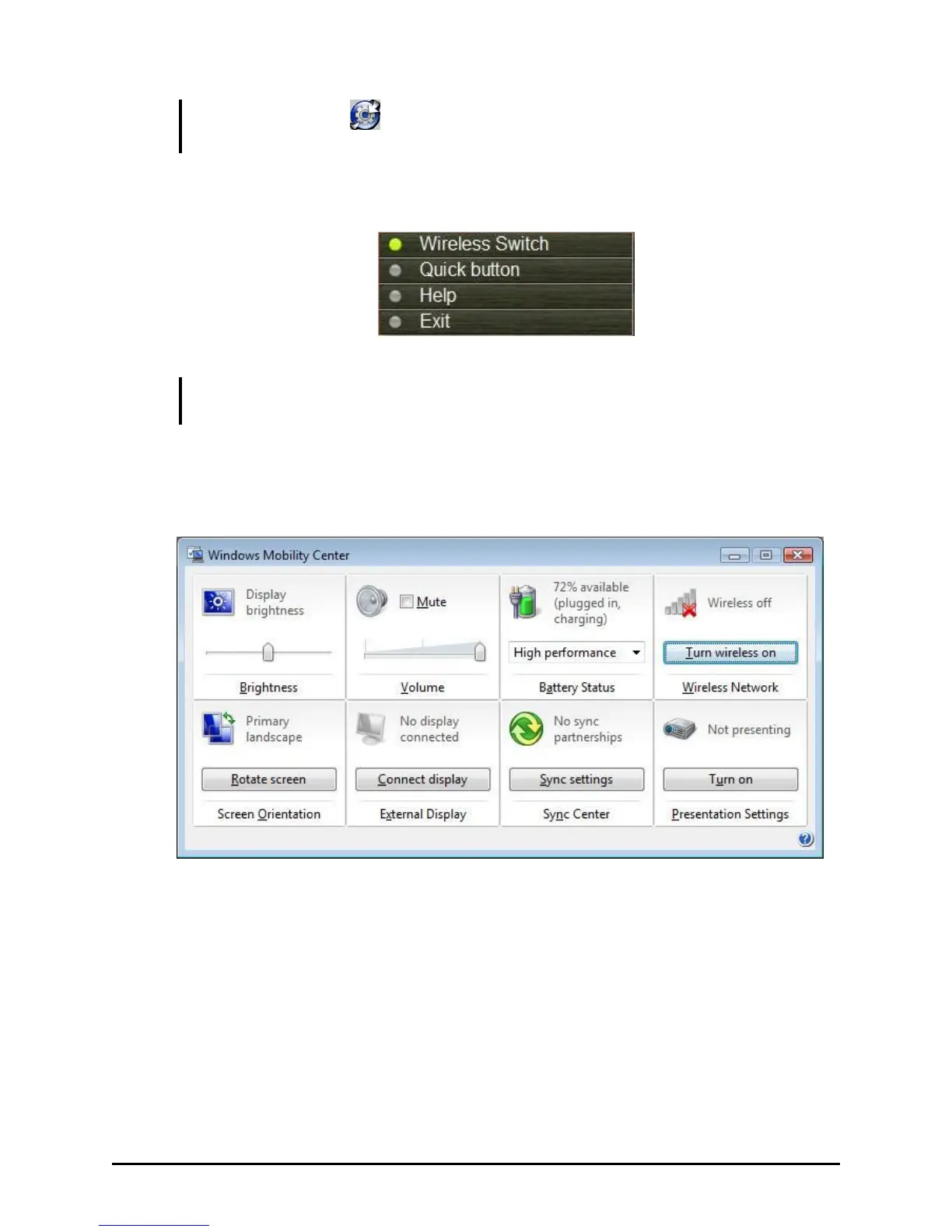
2. Tap Wireless Switch, then the button will be highlighted as green.
NOTE: The status of wireless devices will persist through Sleep mode or turning off the
tablet computer.
3. Ensure that the Windows Mobility Center has Wireless turned on.
Tap Start Control Panel Mobile PC Windows Mobility Center . The
Wireless Network is turned on by default.
4. To turn on or off the WiFi radion, tap Turn wireless on or Turn wireless
off.



 To Next Page