Operating Your Tablet Computer 2-11
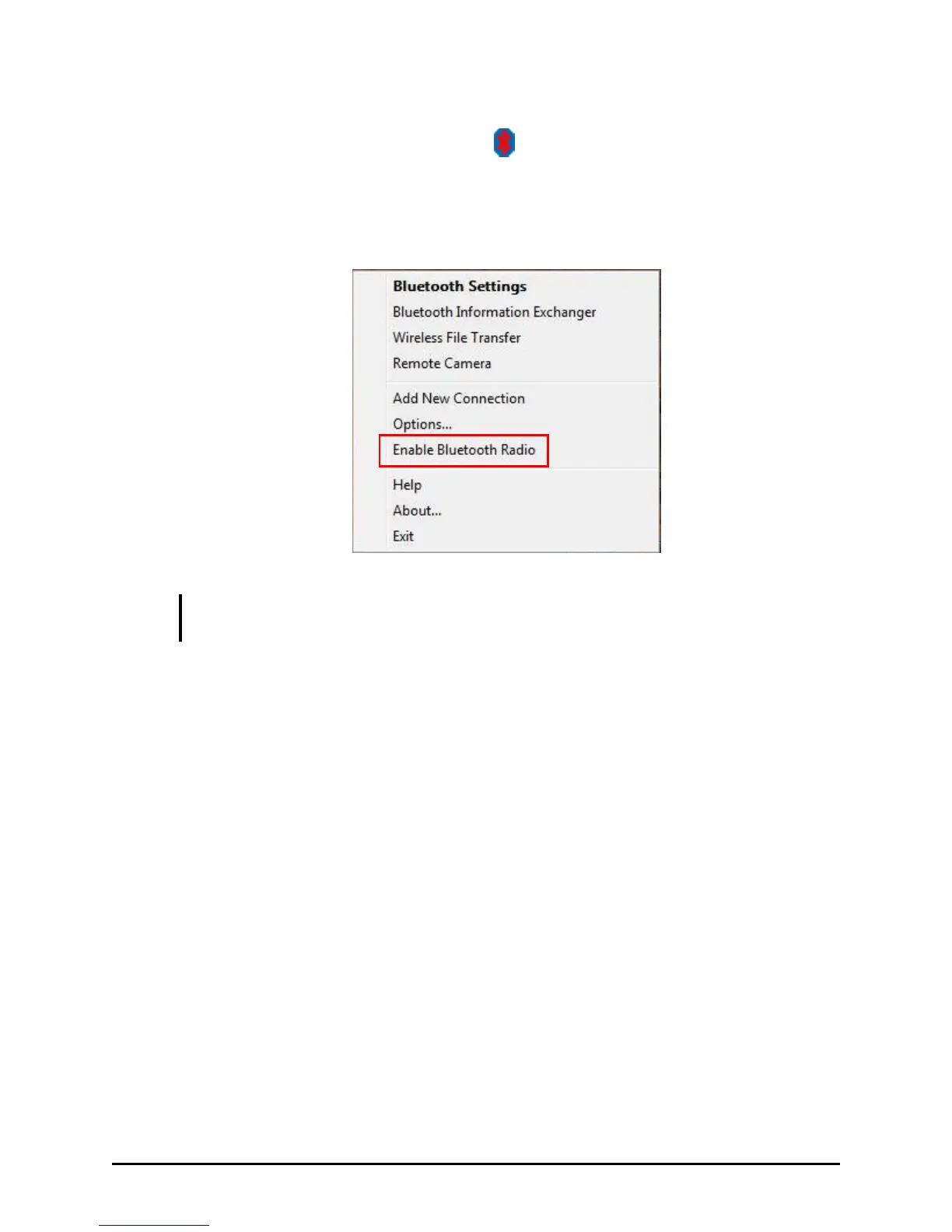
2. Tap and hold the stylus on the icon located in the Windows
system tray until the ring appears, then lift up and the menu appears.
Tap Enable Bluetooth Radio to turn on the Bluetooth wireless feature.
Note that the Bluetooth radio is ―Enabled‖ by default
NOTE NOTE: The status of wireless devices will persist through Sleep mode or turning
off the tablet computer.
For detailed information on using the Bluetooth Utility, open the
Bluetooth Utility User Guide on your tablet computer by tapping Help.
Tap on the Contents, Index, or Search tab to browse the contents of the
User Guide.



 To Next Page