2-10 Operating Your Tablet Computer
Using the Bluetooth Wireless Feature
Your tablet computer has integrated Bluetooth capability for short-range
(about 10 meters) wireless communications between devices without
requiring a cable connection. With Bluetooth, data can be transmitted
through walls, pockets and briefcases as long as two devices are within
range.
NOTE: By default, your tablet computer’s Bluetooth feature is in the discoverable and
pairable mode.
The status of the Bluetooth connection is indicated by the Bluetooth icon
located in the Windows system tray in the lower-right part of the screen.
You can use the Bluetooth Utility to configure Bluetooth connection
settings and transfer files.
Turning the Bluetooth Wireless Feature On and Off
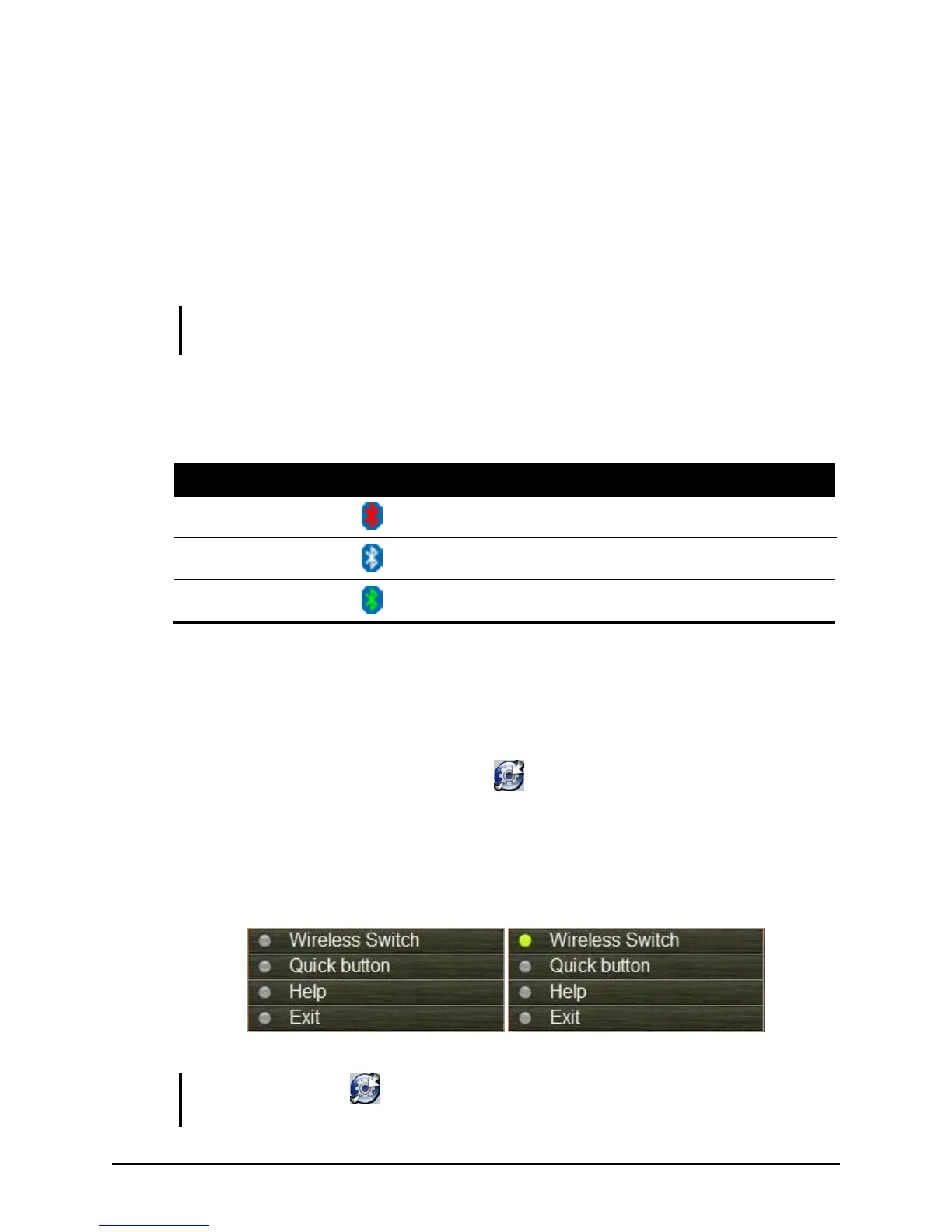
1. Tap and hold the stylus on the icon located in the Windows
system tray until the ring appears, then lift up and the menu appears.
When no wireless device(s) is detected, it is indicated by the button
highlighted as gray. The Wireless Switch is enabled (On) by default,
indicated by the button being green.
NOTE: If there is no icon located in the Windows system tray, tap Start All
Programs System utility OSD.


 To Next Page
 Loading...