Operating Your Tablet Computer 2-13
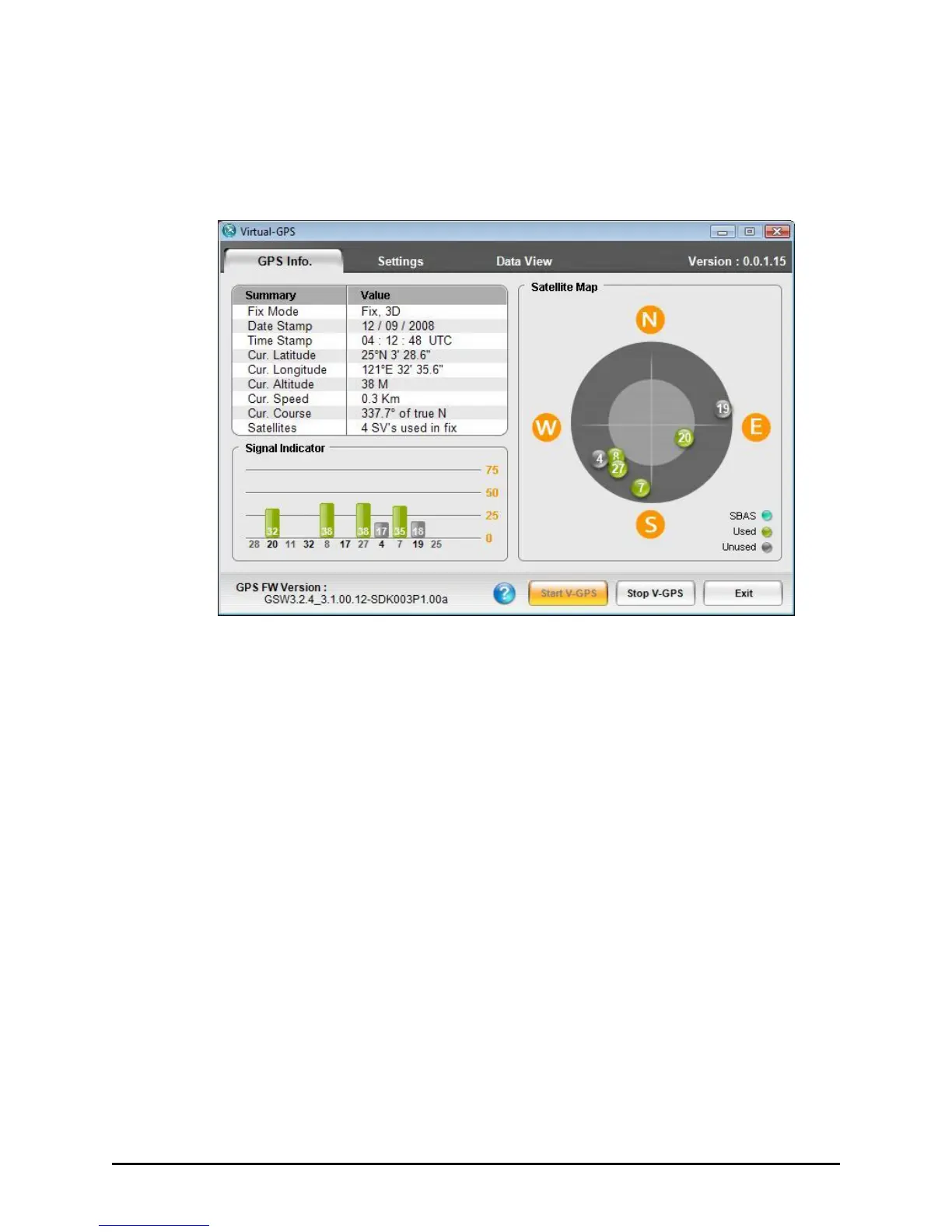
GPS Info
The GPS Info. tab provides an overview of the system status.
Upon tapping Stop V-GPS, the data feed will stop (the COM port will be
closed) and all the related information will be frozen on the screen until
you tap the Start V-GPS button to start it up again.
The next time Virtual-GPS is launched, it will remember the last state
(whether the port was open and acquiring data, or closed).
A summary of the values can be viewed on the upper left side of the
screen. It contains nine major values, namely:
Fix Mode (2D/3D)
Date Stamp
Time Stamp
Current Latitude
Current Longitude
Current Altitude



 To Next Page