2-14 Operating Your Tablet Computer
Current Speed
Current Course
Satellites
The signal indicator ( ) is displayed on the lower left side of the
screen that shows the 13 satellites’ signal indicator. The length of the
green bar of each satellite changes dynamically; the stronger the signal
the longer the bar shown. Below each bar is the PRN (Pseudo Random
Number) of each discovered satellite and the signal strength data is
shown on the bottom of the bar. No PRN is shown when GPS is not
functioning or no satellites are discovered. The maximum number of
signal bars displayed is 13. When the GPS signal is weak, the PRN is
displayed, but no signal indicator bar is shown.
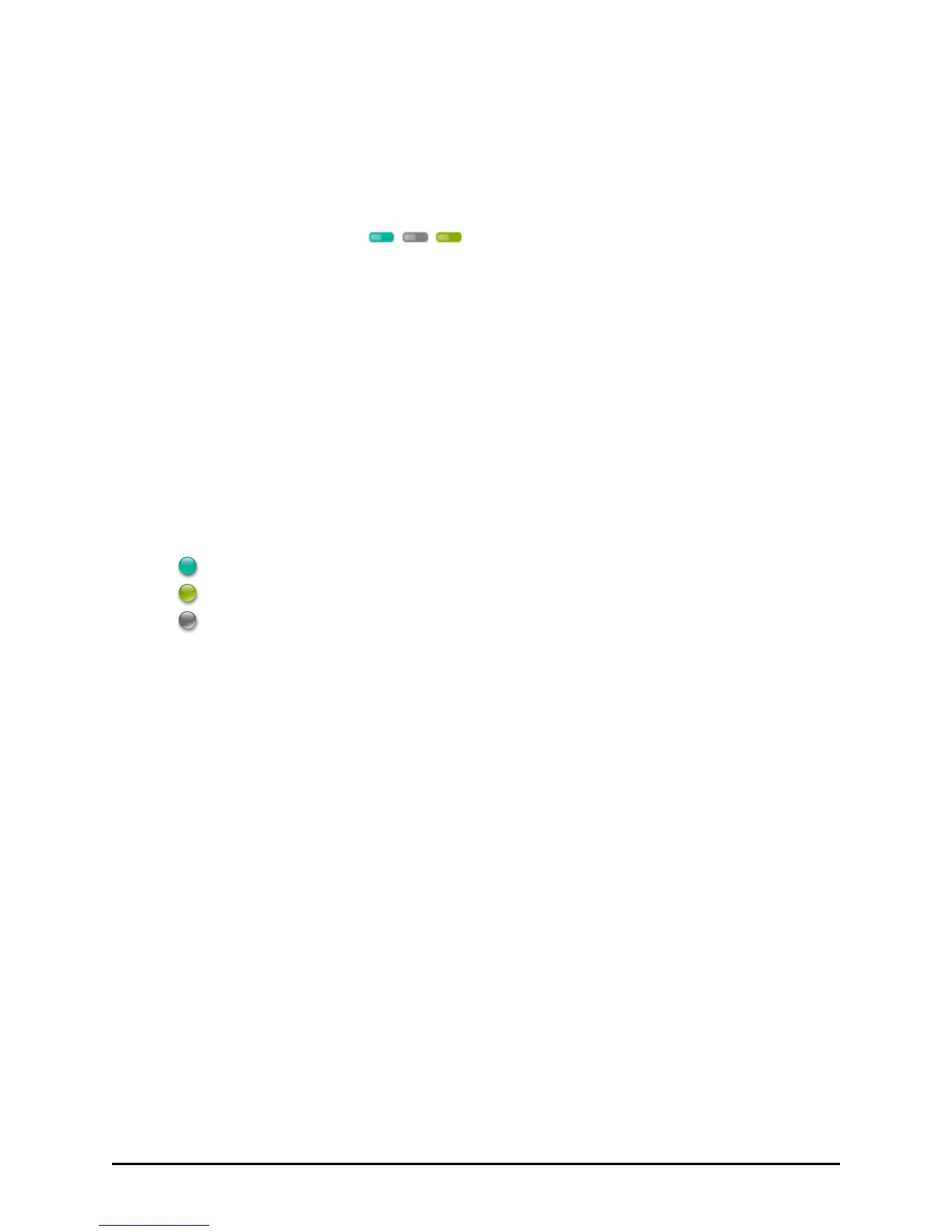
The satellite map shows the satellites discovered and are placed on the
satellite map according to their parsed latitude and longitude. Satellites
are displayed in the following colors:
indicates the SBAS satellite with PRN
indicates the satellite is in view, in track, and in use with PRN
indicates the satellite is in view, in track, but not in use with PRN
Tap the Start V-GPS button to start the Virtual-GPS.
Tap the Stop V-GPS button to stop the Virtual-GPS.
Tap the Exit button to exit Virtual-GPS.


 To Next Page
 Loading...