Operating Your Tablet Computer 2-25
When the storage space of the folder location is low, a warning message
appears on screen.
When a folder that was created in G-Camera was changed outside the
G-Camera utility, the folder name will not be detected the next time
G-Camera is launched.
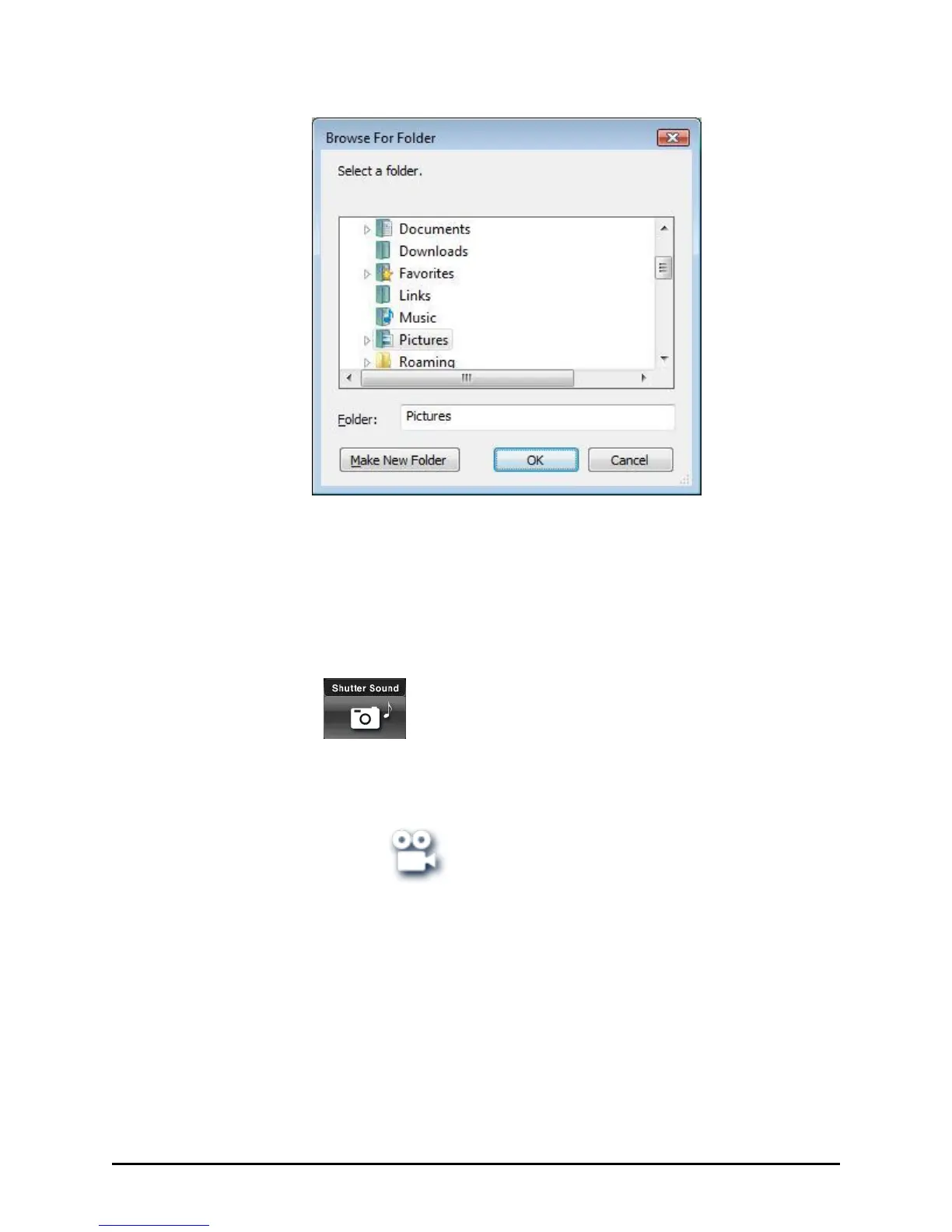
Shutter Sound
Tap this button to enable (default) or disable the shutter sound upon
tapping the Shutter button.
Camcorder Mode
Camcorder mode allows you to configure the camcorder settings and
video recording behavior. The preview image always appears in 640×480
resolution and only supports the WMV video format.



 To Next Page