2-26 Operating Your Tablet Computer
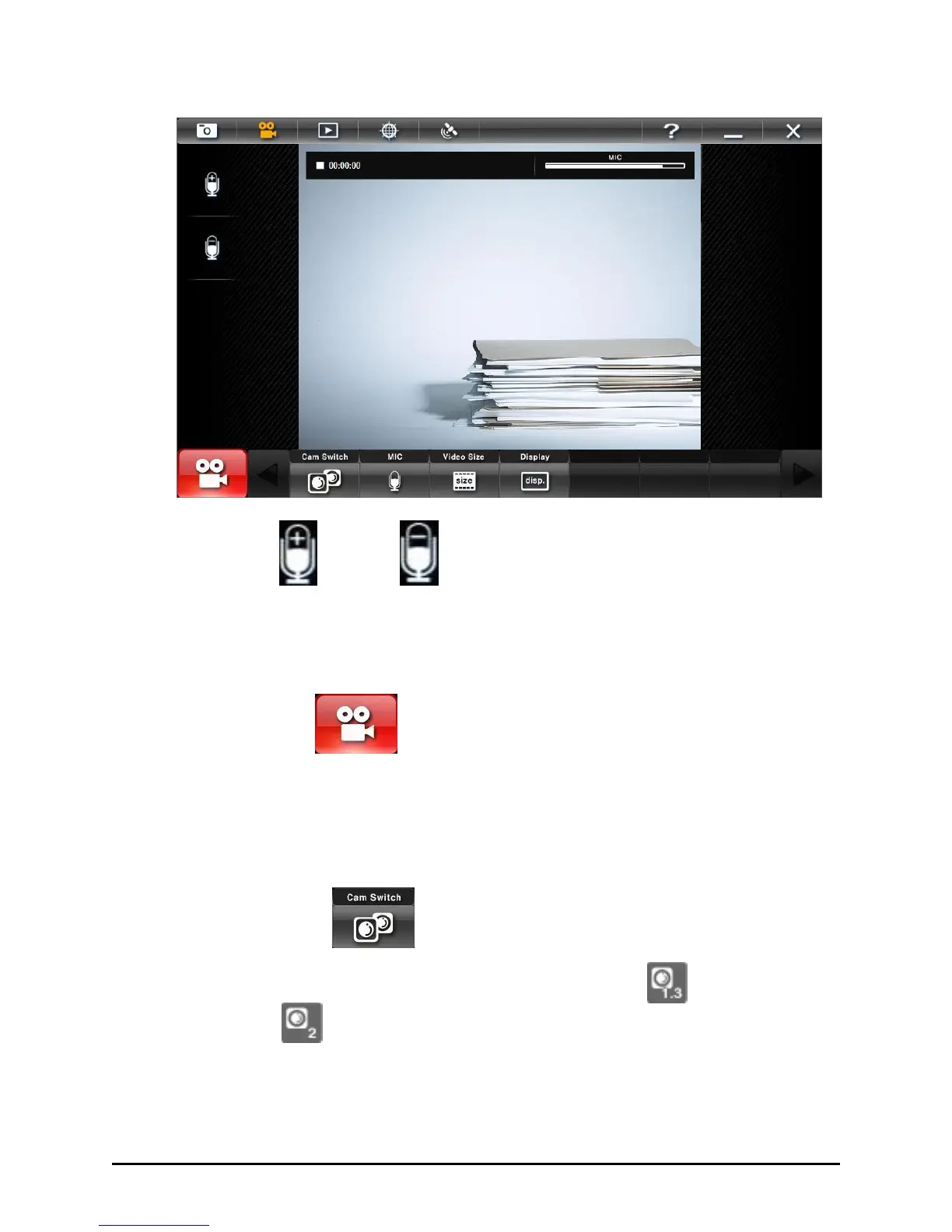
Sound Up / Down
Tap these buttons to adjust the microphone’s sound recording level (0 to
20). The sound recording level synchronizes with the system’s. When the
sound is turned off, the buttons for this function will not appear.
Record / Stop
Tap this button to start or stop the video recording process. The Record
button will flash during the recording process and the timer will record
the elapsed time (hour/minute/second). The Camera switch and Video
size button will be grayed-out.
Camera Switch
Tap this button to switch between the front - 1.3 M and the
back - 2 M (default) camera modules. The camera switch setting
synchronizes with the Camera modes’.



 To Next Page