Operating Your Tablet Computer 2-27
MIC
Tap this button to enable or disable the microphone. This feature only
supports the system with a microphone device. When enabled the
adjustment bar will display on top of the screen. When disabled the
adjustment bar will be grayed-out.
Video Size
Tap this button to set the video size (320x240 / 640x480 default).
Display
Tap this button to enable (default) or disable the OSD feature (includes
the timer and sound adjustment bar).
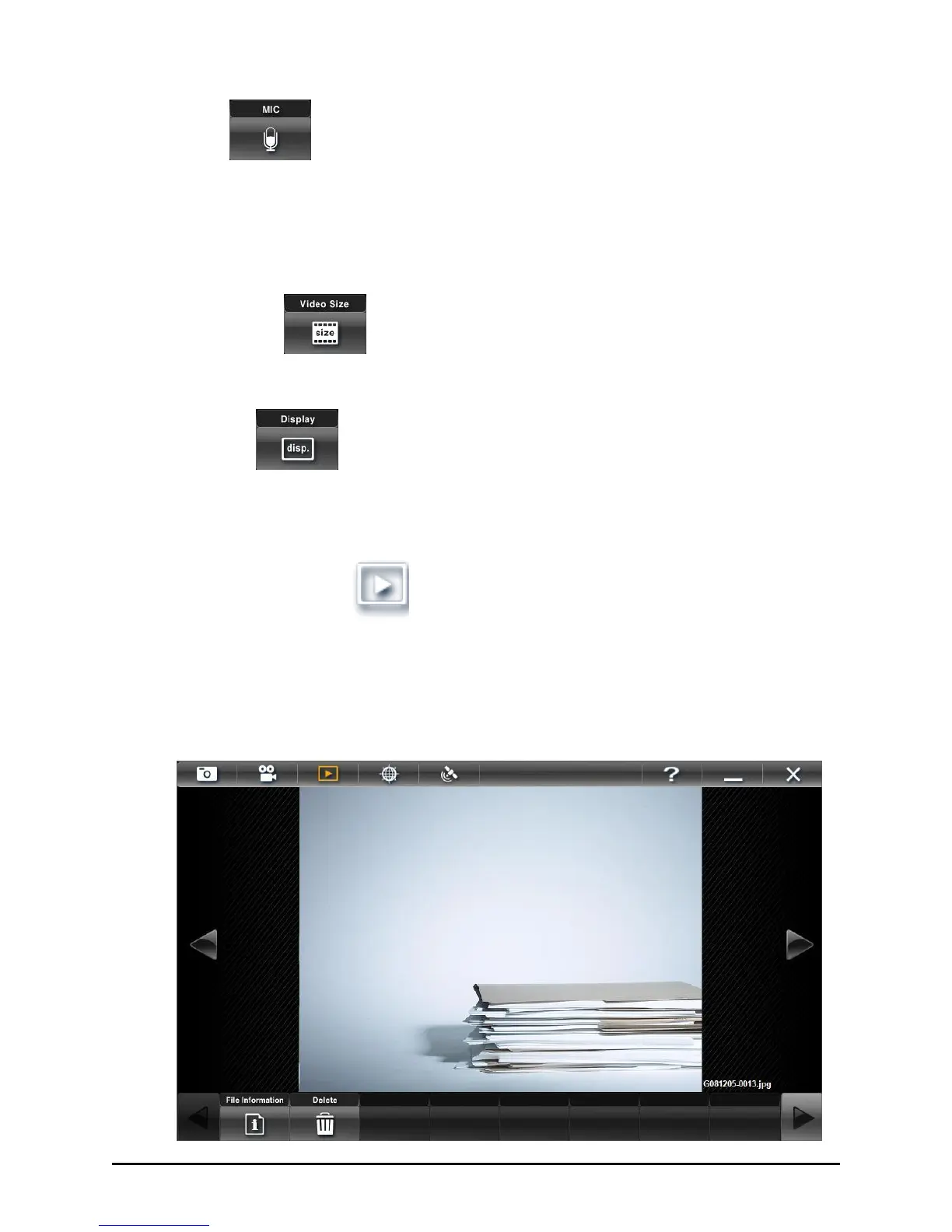
Browser Mode
Browser mode allows you to view the photo and video with the
corresponding file details created in Camera mode.
Viewing Photos



 To Next Page