2-28 Operating Your Tablet Computer
Previous / Next
Tap these buttons to select the previous or next file in the default photo
and video folder, or to another folder location that you have selected to
store photos and videos.
File Information
Tap this button to enable or disable (default) the EXIF data that includes:
Manufacturer, Model, Date and Time, Image Size, GPS Latitude
Reference (East or West), GPS Latitude, GPS Longitude Reference
(North or South), GPS Longitude, and Altitude.
Delete
Tap this button to remove the current photo on display. The message ―Are
you sure you want to delete this item?‖ appears. Tap OK to confirm
deletion.
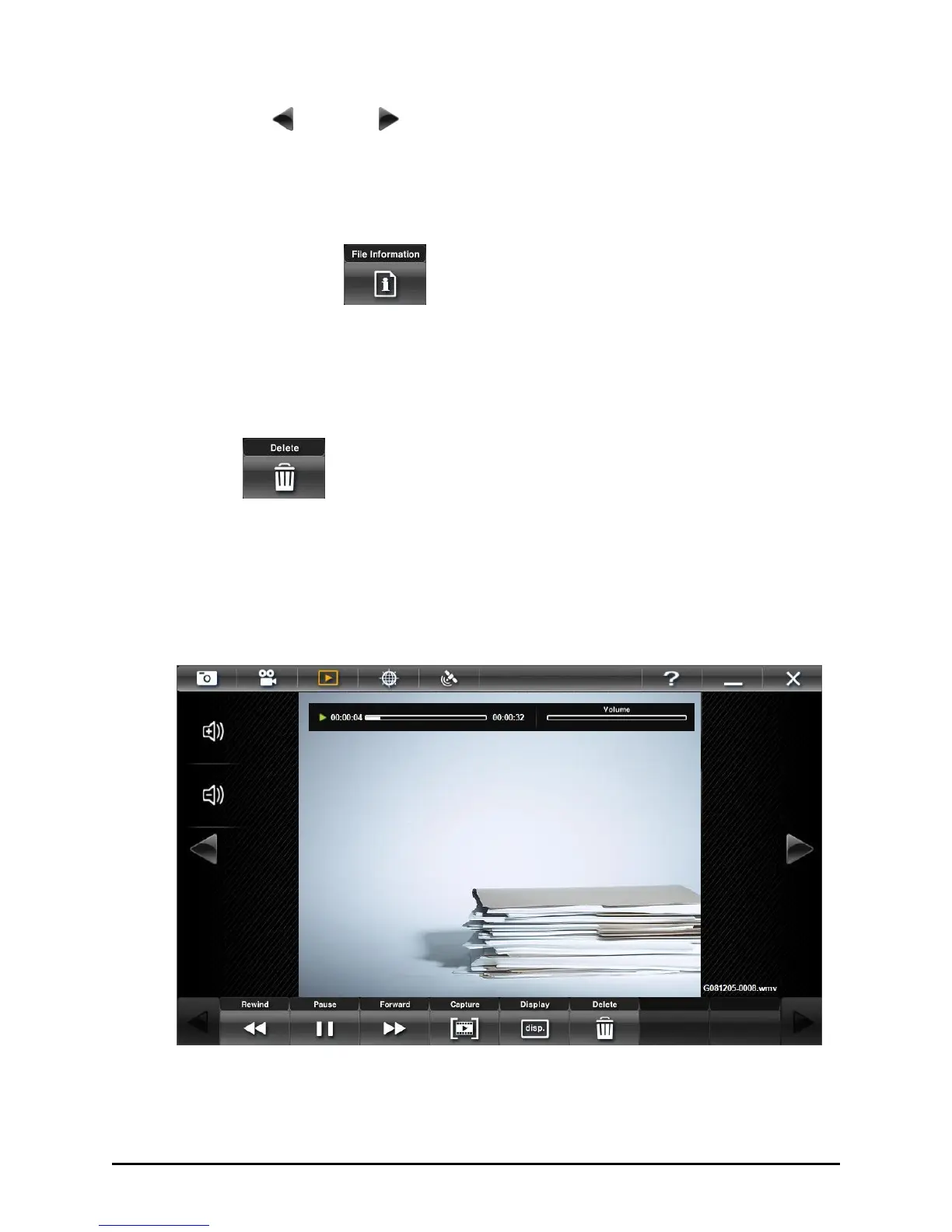
Viewing Videos



 To Next Page