Operating Your Tablet Computer 2-29
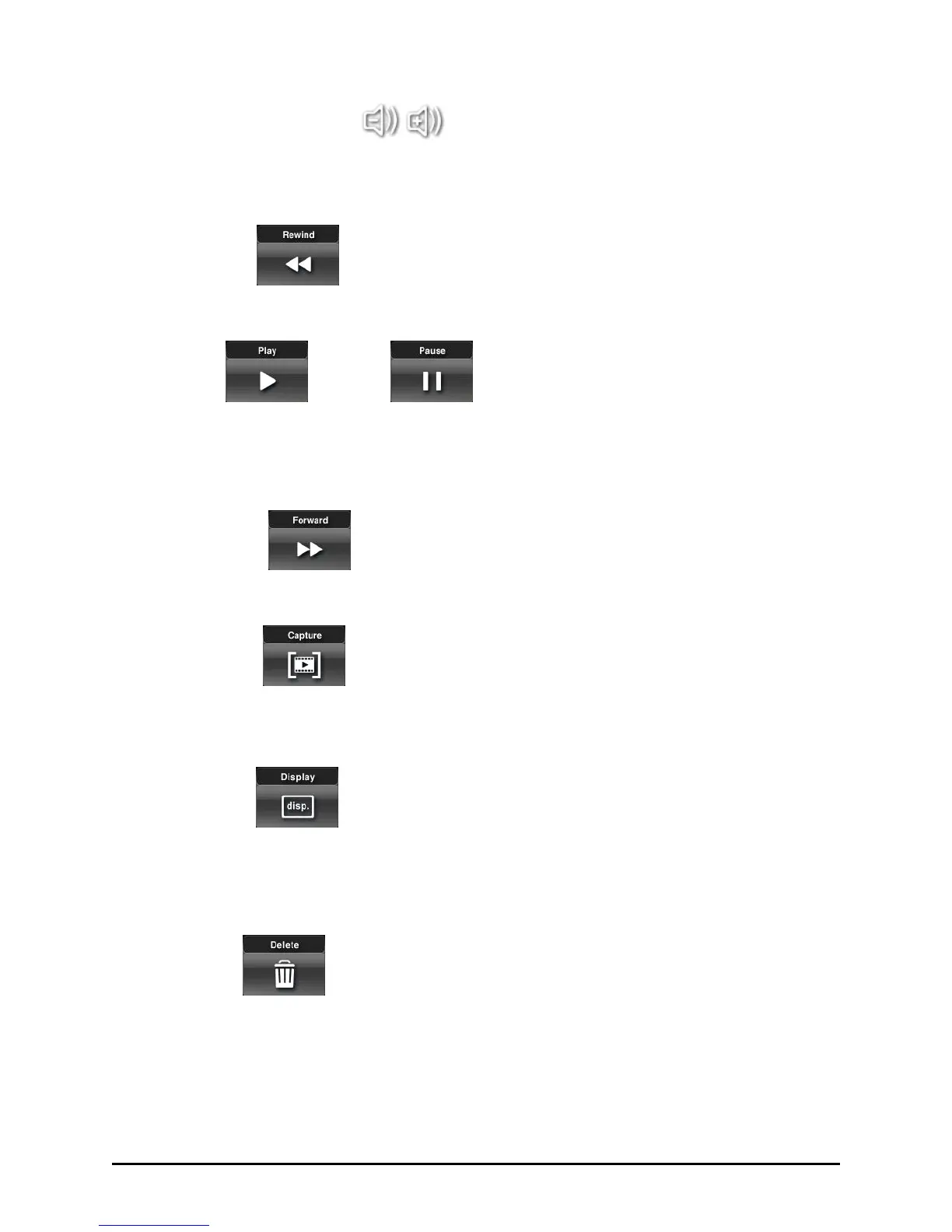
Volume down / up
Tap this button to adjust the volume level (0 to 20). The volume level
synchronizes with the system’s.
Rewind
Tap this button to go back 5 seconds of the current video.
Play / Pause
Tap this button to start or stop viewing the video. Upon tapping Play the
timer (hour/minute/second) would start counting and you can stop the
playback temporarily anytime by tapping Pause.
Forward
Tap this button to go forward 5 seconds of the current video.
Capture
Tap this button to capture a specific image in the video that is currently
playing to be saved as a photo file.
Display
Tap this button to enable (default) or disable the OSD feature that
includes the translucent dark background for timer and volume
adjustment bar.
Delete
Tap this button to remove the current video on display. The message ―Are
you sure you want to delete this item?‖ appears. Tap OK to confirm
deletion.


 To Next Page
 Loading...